
Running items
Build on an item runs its plan.
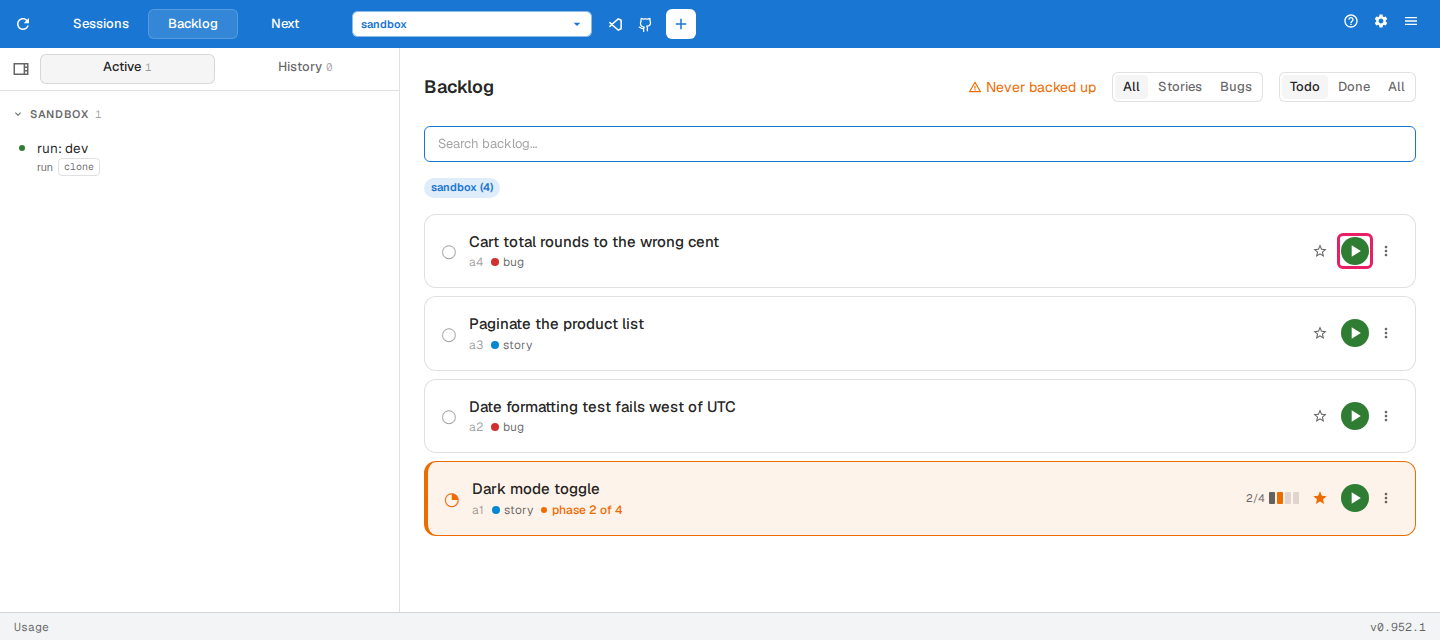
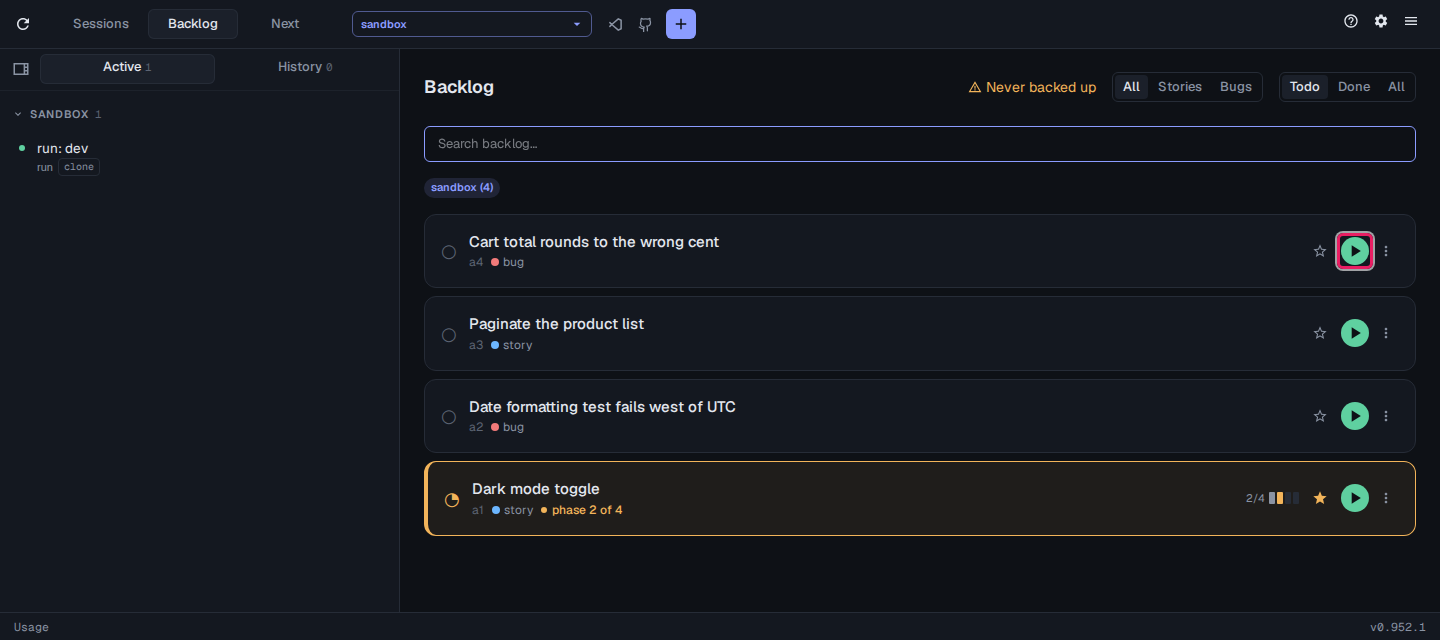
Each phase gets a fresh agent session, nested under the item’s card in the sidebar, which works through the phase’s tasks, verifies its work and moves on to the next phase. An interrupted run picks up from the phase it was on.
Following a run
Section titled “Following a run”The run’s card in the sidebar shows running while the agent works and waiting when it needs you, such as to confirm manual checks or answer a question. ⌘Ctrl. jumps to the next session waiting on you, so you can run several items at once and only step in when one asks.
Steering a run
Section titled “Steering a run”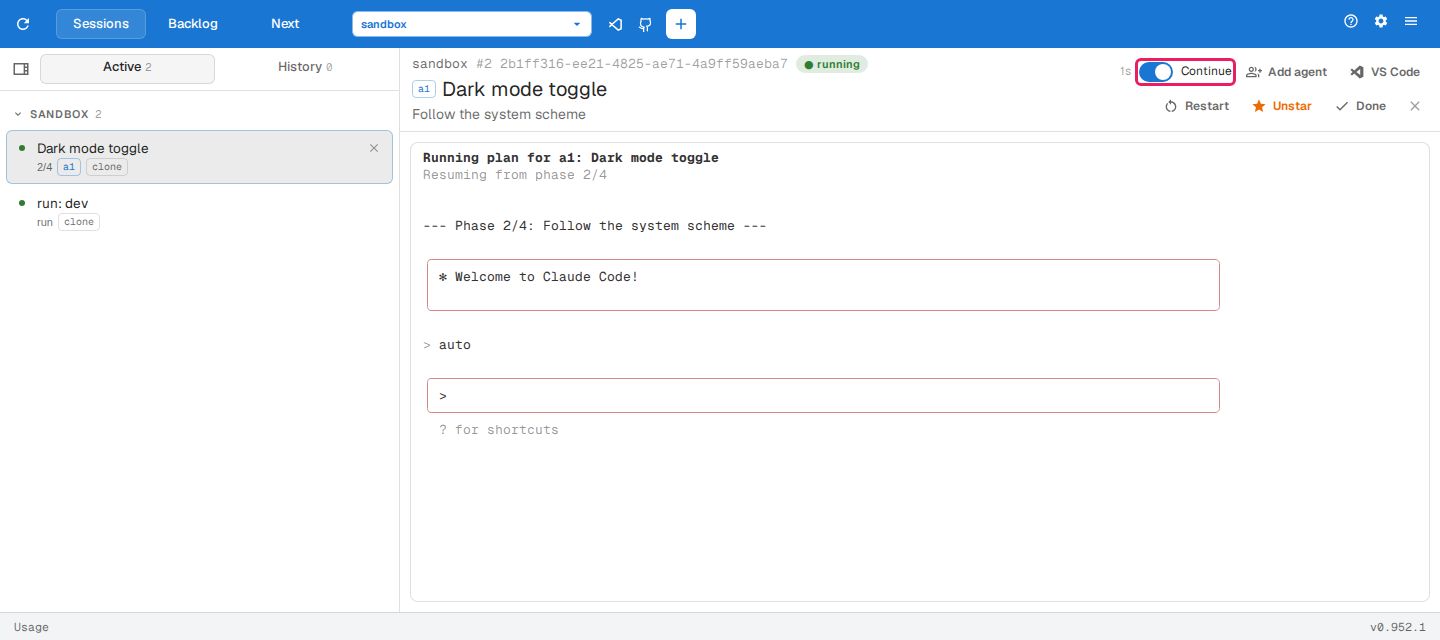
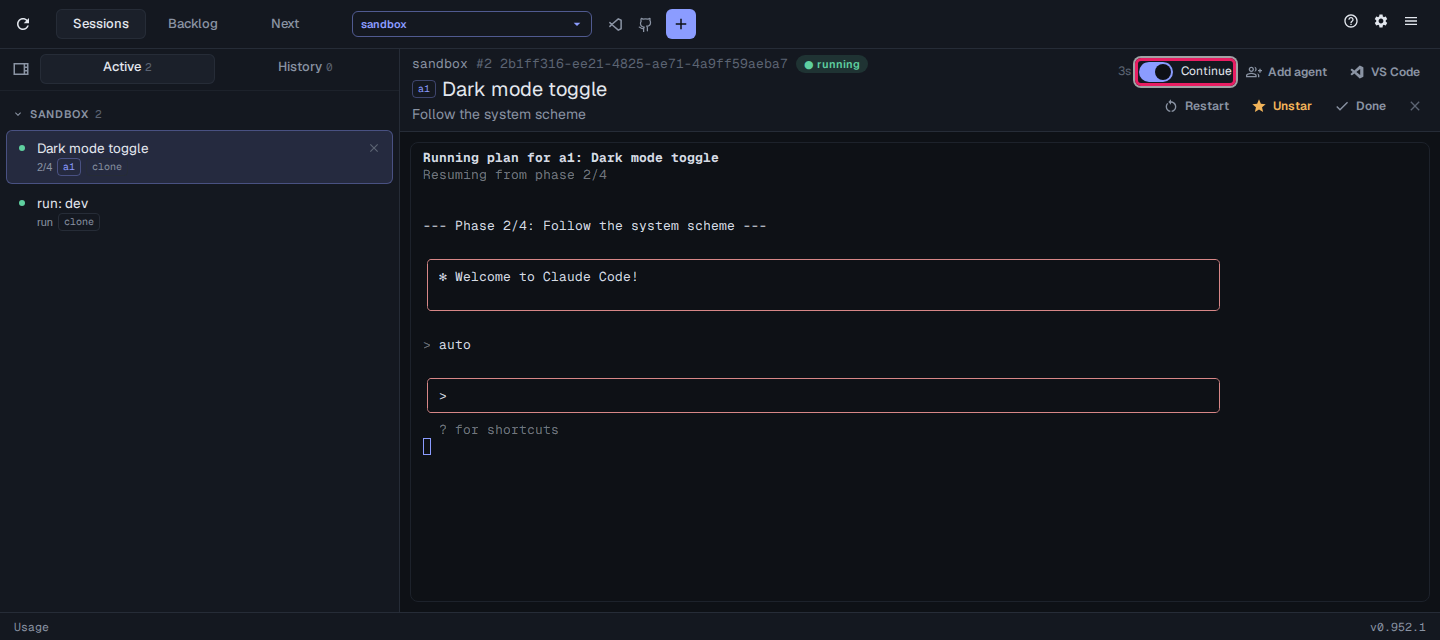
- Continue on the session’s top bar decides whether the next phase starts on its own. Turn it off to stop after the current phase, then Build again when you’re ready.
- When a phase has manual checks, the agent asks you to confirm them. Reply in its terminal.
- To send the item back to an earlier phase, Rewind that phase on the item’s plan.
The review phase
Section titled “The review phase”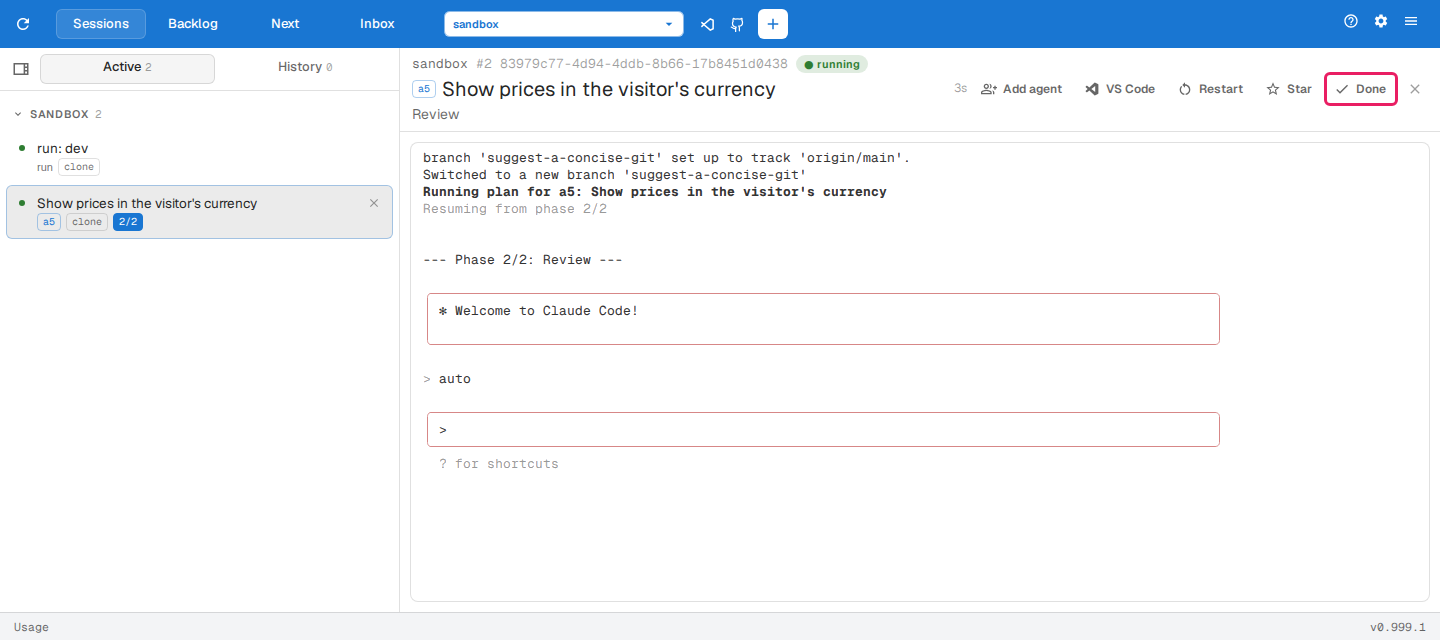
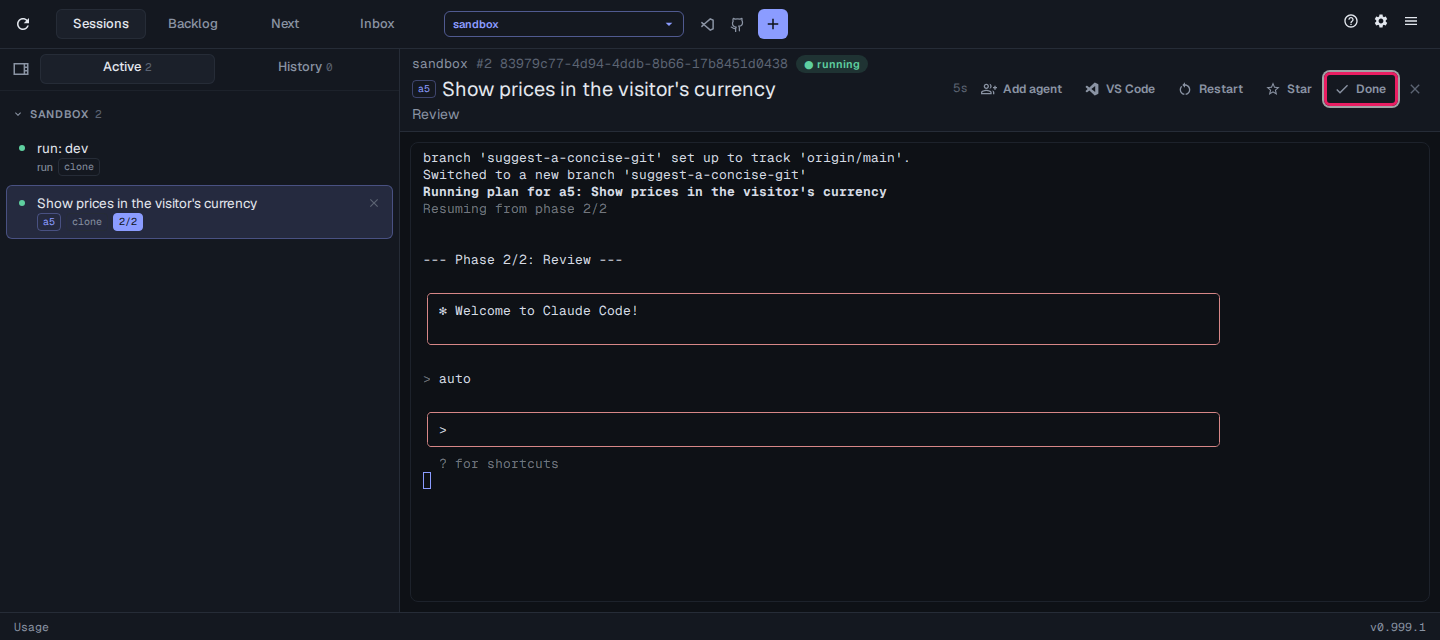
Every run ends with a review phase, added automatically after the item’s own phases. Its session checks the work against each acceptance criterion and fixes what fails. Tell it the item is done once you’re happy, or use Done on the session’s top bar; the item is then marked done.