
Usage
The Usage page tracks how much of your Claude plan’s rate limits you use, and what each backlog item cost to build. Open it from the usage figures in the dashboard’s status bar, which show your current 5-hour and 7-day usage.
Rate limits
Section titled “Rate limits”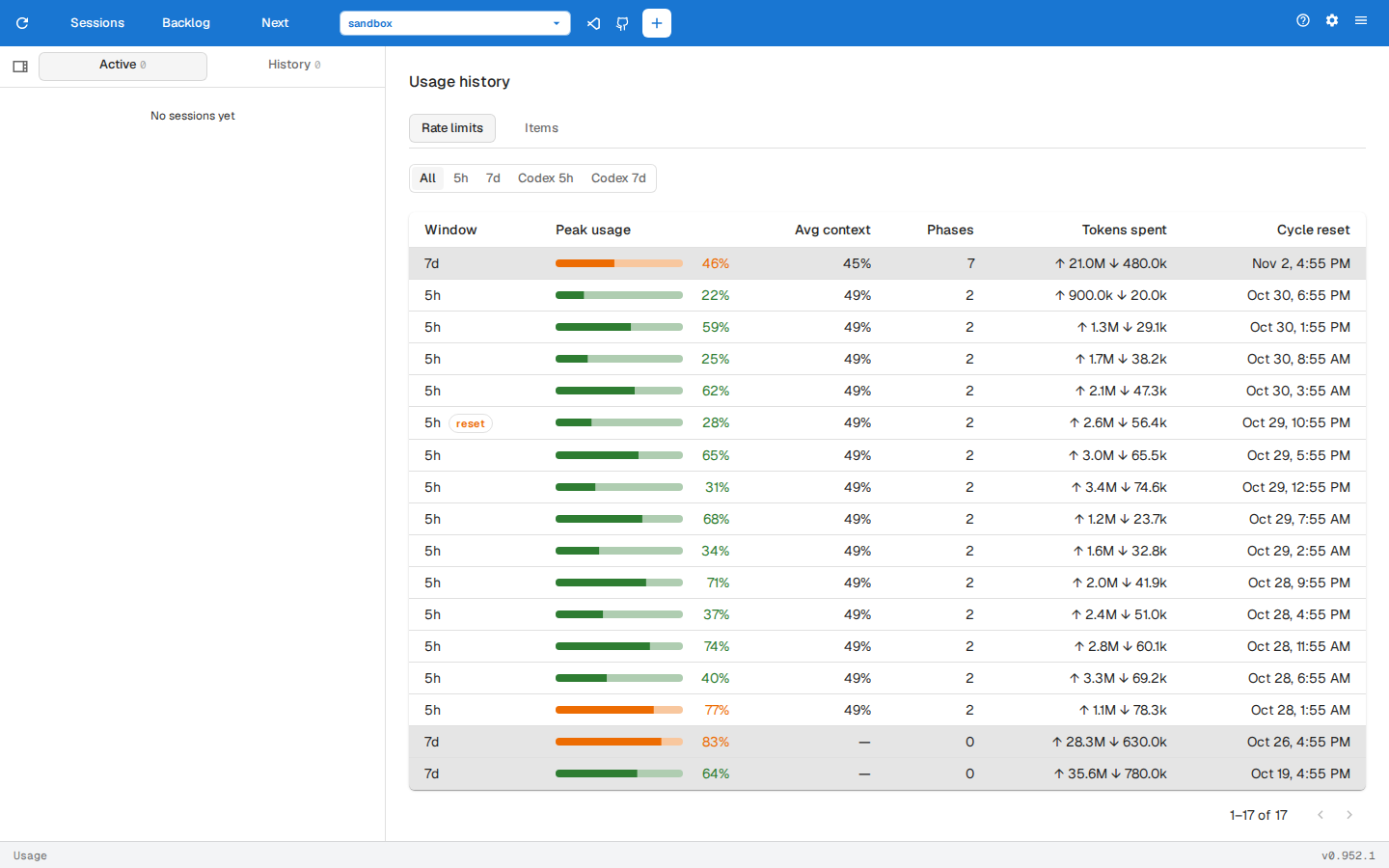
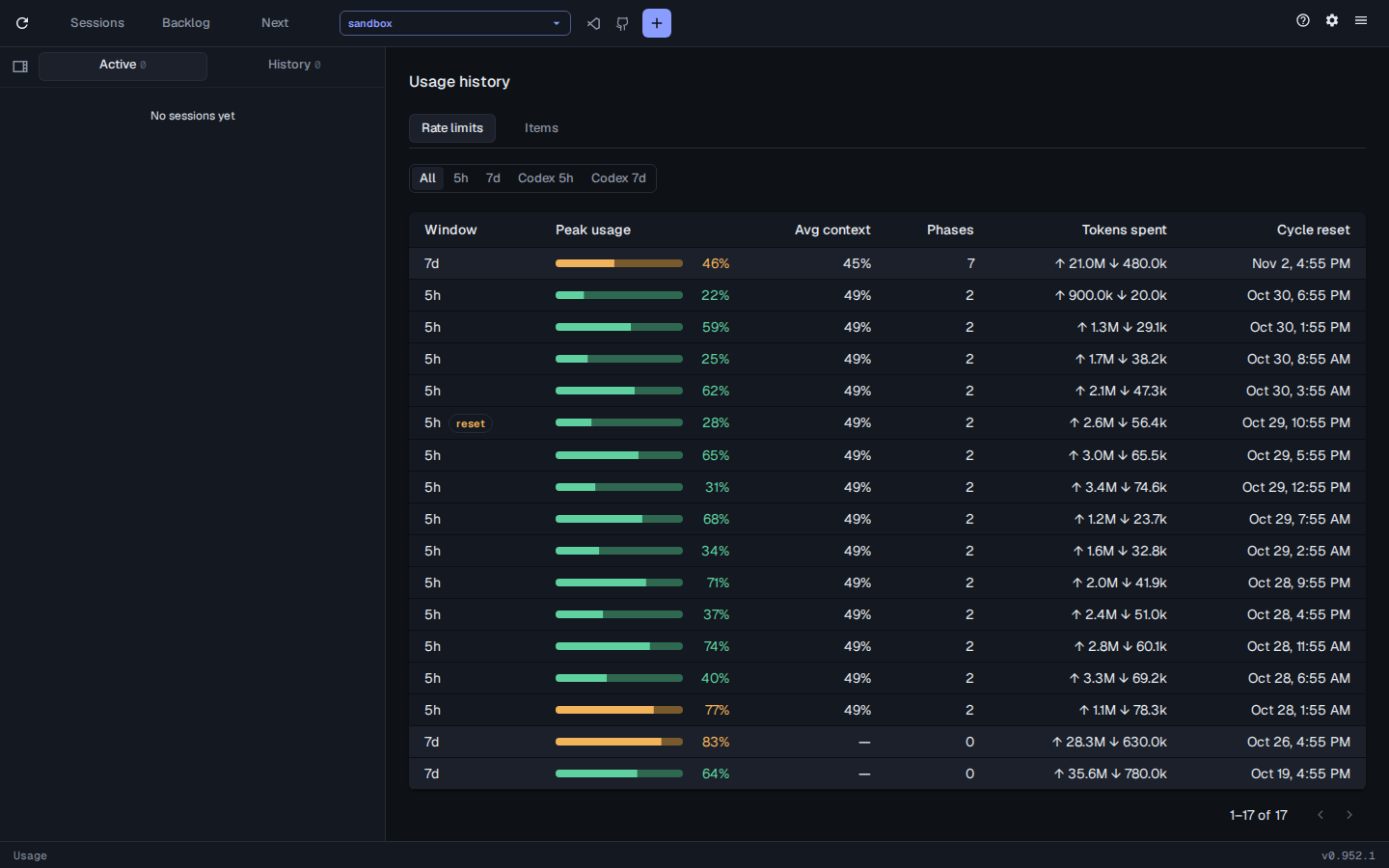
Each row is one 5-hour or 7-day window, newest first, with the highest usage it reached, the average context the backlog phases in it used, the tokens spent in it and when it reset.
All, 5h and 7d filter by window. When Codex is installed, Codex 5h and Codex 7d show its windows.
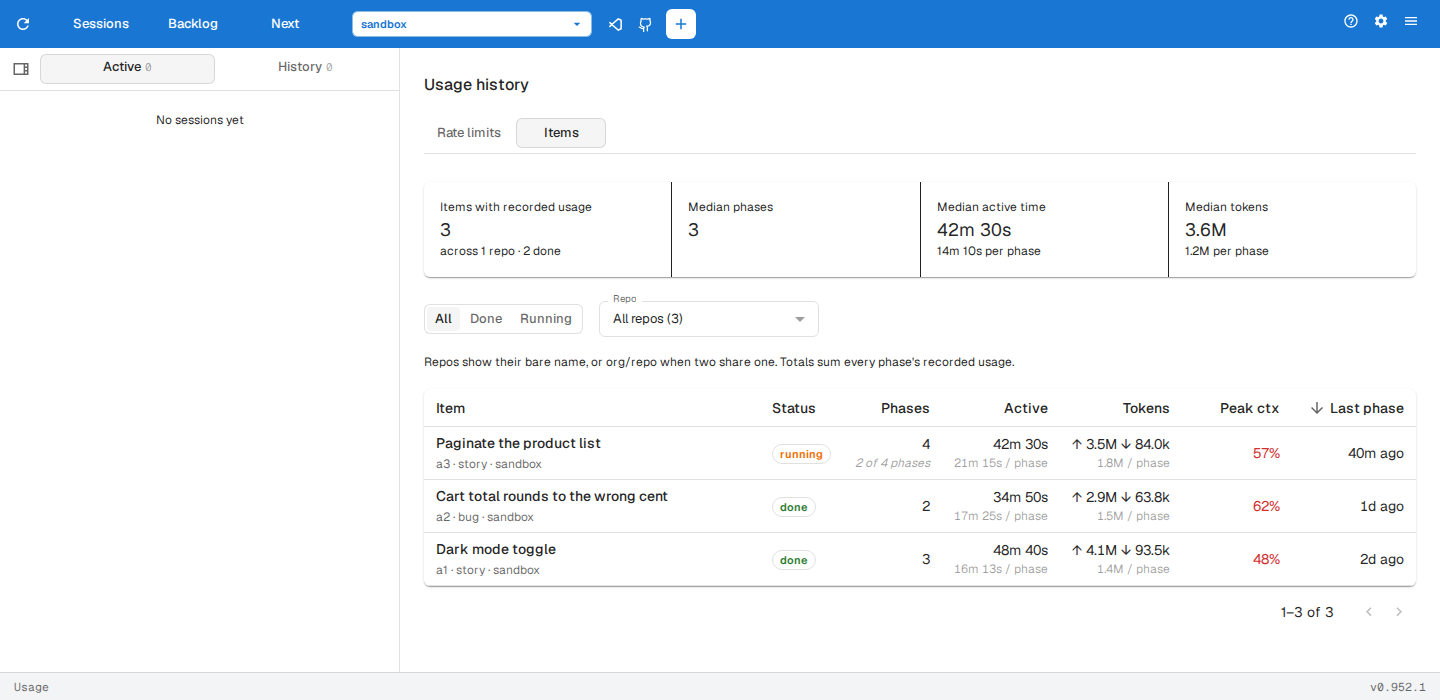
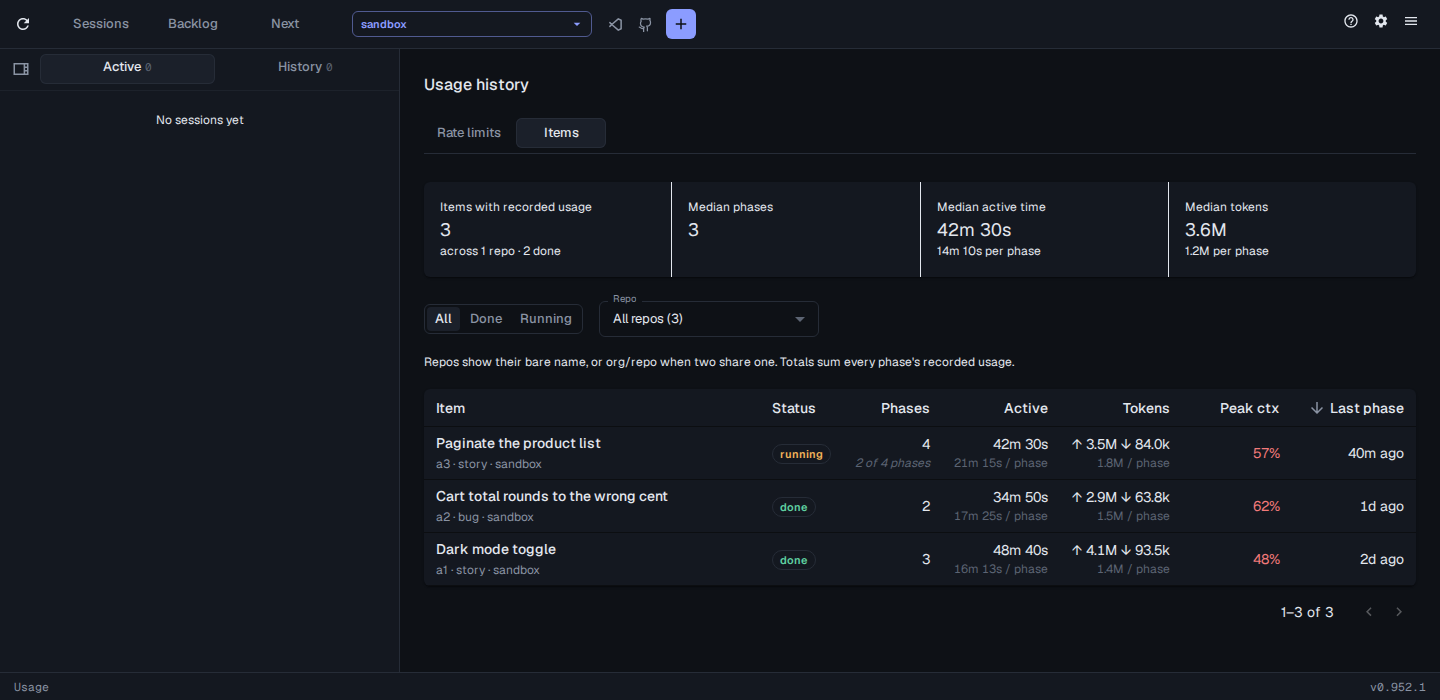
The Items tab lists every backlog item with recorded usage: its phases, active time, tokens and peak context. The figures across the top are medians over the items listed.
- All, Done and Running filter by the item’s status, and the repo picker filters by repo.
- Click a column heading to sort by it, and again to reverse.
- Click an item to open it in the backlog.