
Releases
The Releases page shows how far each of the selected repo’s release workflows has carried the latest commit through its environments, and what’s waiting to go out. The Releases tab (⌥Alt4) appears once the repo has release streams.
Setting up streams
Section titled “Setting up streams”A stream is one release workflow: its build steps, approval gates and environments, and the order it promotes through them.
Run /releases-configure in a session in the repo. It reads the repo’s GitHub workflows, shows you the streams it found, and asks you to accept them and where to save them: the repo’s assist.yml, shared with everyone who clones it, or only for you. Run it again after the workflows change.
assist releases lists the streams already declared.
Reading the page
Section titled “Reading the page”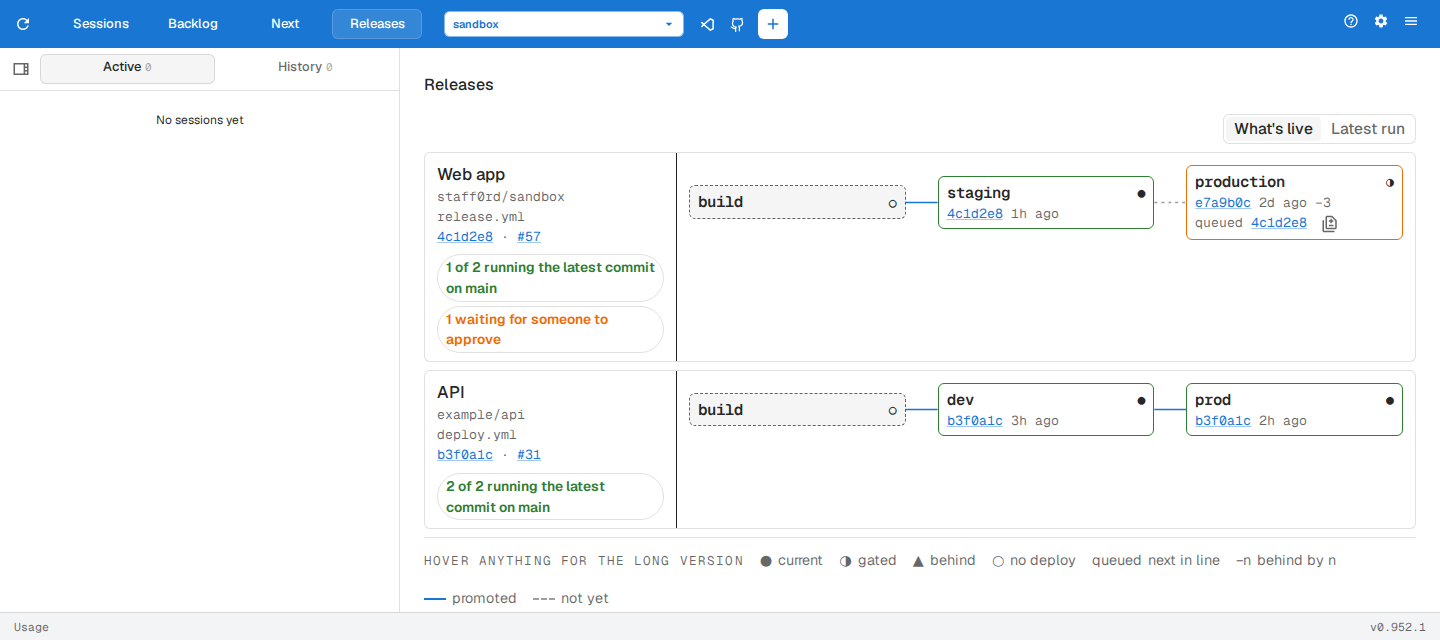
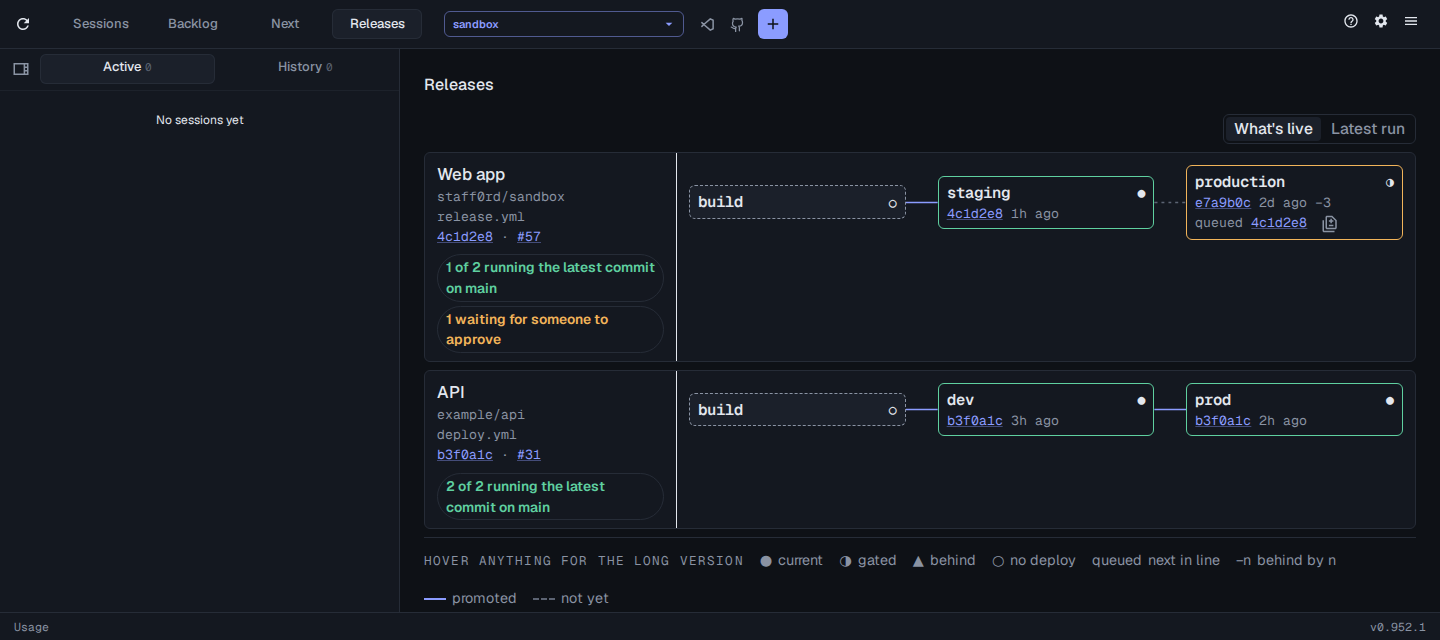
- What’s live shows what each environment is running now. Latest run shows how far the workflow’s latest run got.
- On the left of each stream, the commit links to the default branch’s latest commit and the
#link to the latest run. Hover a summary line to highlight the environments it counts. - The legend under the streams explains each mark, and hovering any mark gives the long version.
Shipping a queued deployment
Section titled “Shipping a queued deployment”An environment marked queued has a deployment waiting, usually on an approval. Its diff button lists the commits the deployment would ship, with Compare on GitHub, and Review deployment to approve it on GitHub.