
Writing items
Items are written with an agent rather than typed in: briefly describe what you want, answer its questions, and approve the item it proposes.
Drafting a story
Section titled “Drafting a story”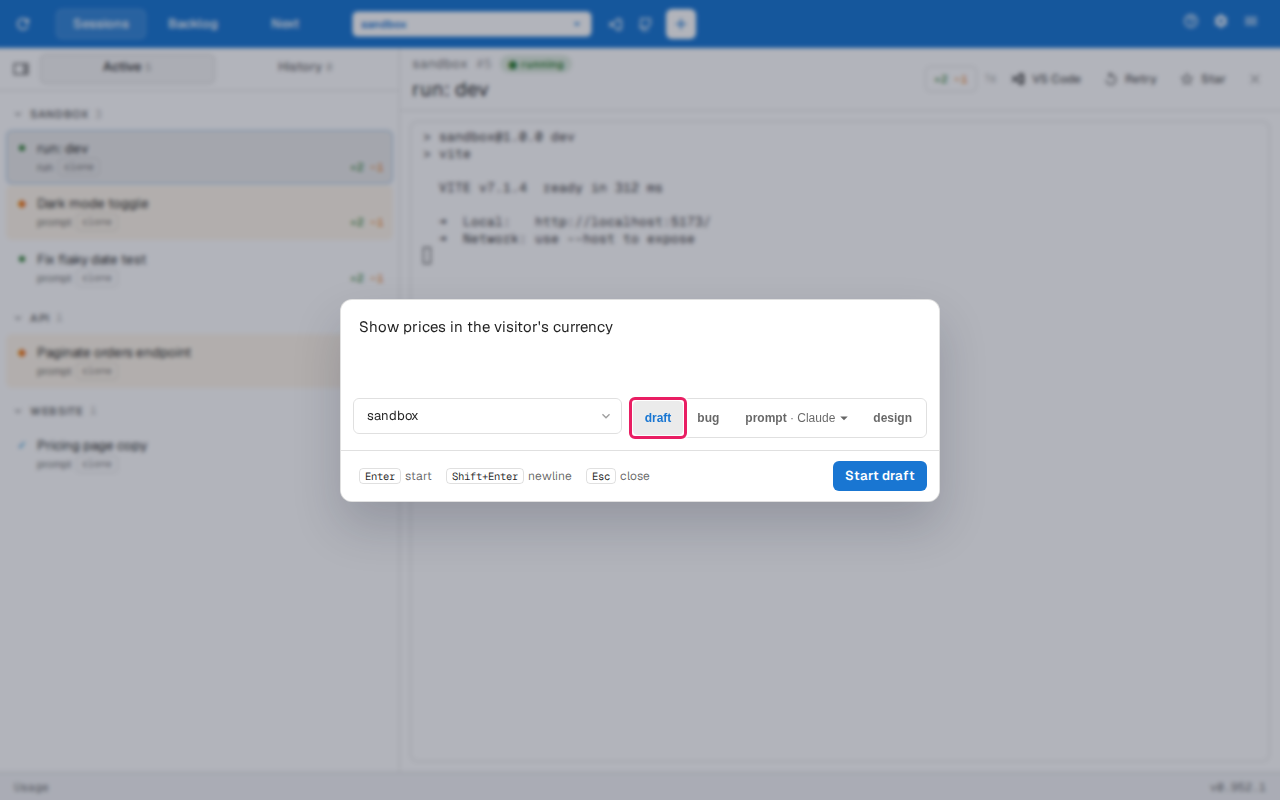
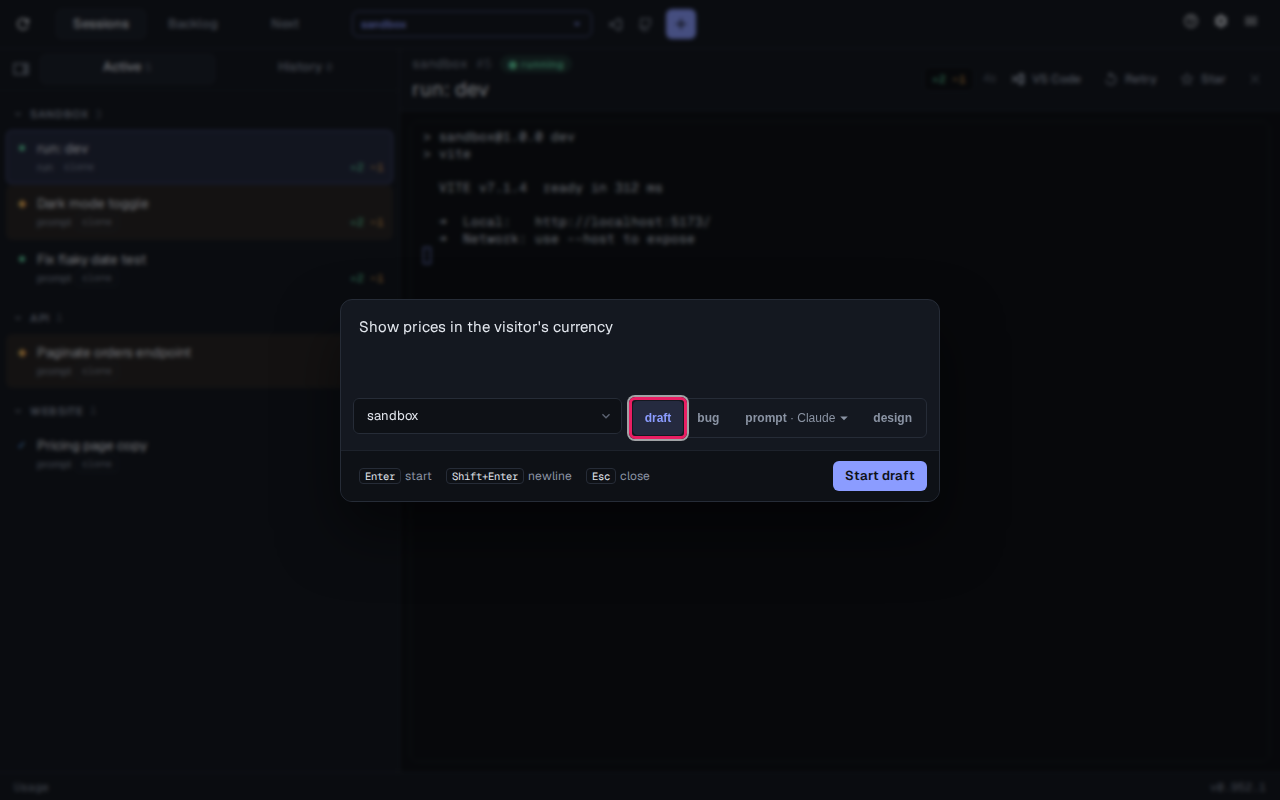
Start a draft session from the new-session dialog, or run /draft [description] in any session. The agent reads the code around your idea, asks a few questions one at a time, then proposes the item in the preview pane: a name, a description, acceptance criteria and a plan.
A plan is a list of phases (context windows), each a working slice of the feature with its own tasks. A phase can also list manual checks, things only you can confirm, such as how something looks; the agent running that phase asks you to confirm them before it finishes. Every plan ends with a review phase.
When the story substantially changes the UI, the agent designs it before proposing: it publishes a design artifact and revises it with you until you’re happy, then links it from the item’s description and activity.
Mention a Jira key, a GitHub issue or a Slack thread while drafting, and the item is linked to it.
Filing a bug
Section titled “Filing a bug”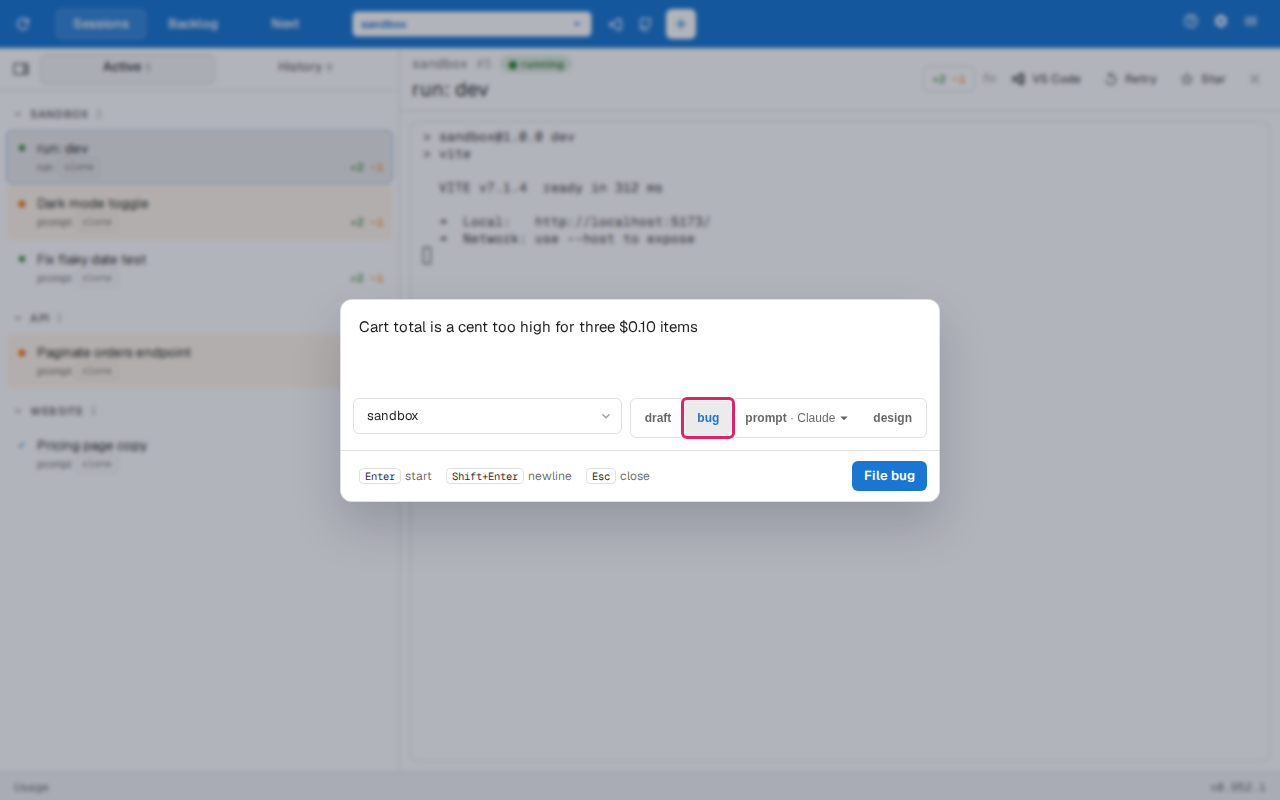
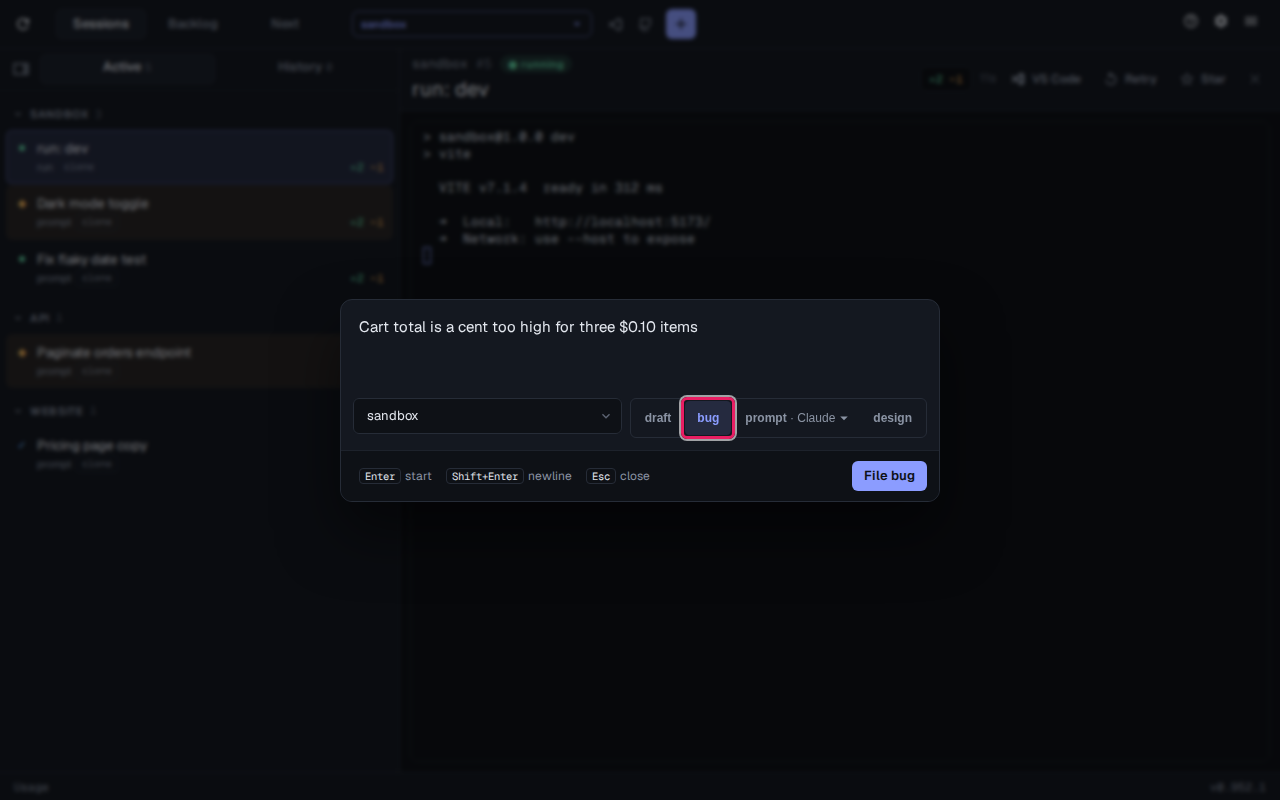
Start a bug session, or run /bug [description] with a brief description of what’s wrong. The agent works out the steps to reproduce it, what should happen and what happens instead, asking only about what it can’t find in the code, and proposes a bug with those and its acceptance criteria. A bug has no plan: the agent that fixes it works out how.
Refining an item
Section titled “Refining an item”Refine on an item, or /refine <id> in a session, starts a conversation about the item. Tell the agent what to change: its name, description, type, acceptance criteria, plan or linked issue, or feedback to keep as a comment. A change to the plan opens in the preview pane as a diff of its phases for you to approve. A UI-heavy item with no design gets one, and a refinement that substantially changes the UI updates the existing design.