
Updating assist
Automatic updates
Section titled “Automatic updates”When assist is installed from a git clone, it keeps itself up to date in the background. When the clone’s upstream gets new commits, assist pulls and installs them.
If the clone has local commits and cannot fast-forward, assist starts a Claude session in it to rebase or merge onto the upstream, push and rebuild. Updates pause until that session closes.
To turn automatic updates off:
assist config set autoUpdate.enabled falseA global npm install is not updated automatically.
The Updates page
Section titled “The Updates page”The Updates page opens from the version badge in the dashboard’s status bar, or with ⌥AltQ. It lists this machine and each linked machine, with the version each is running and where its updates are up to.
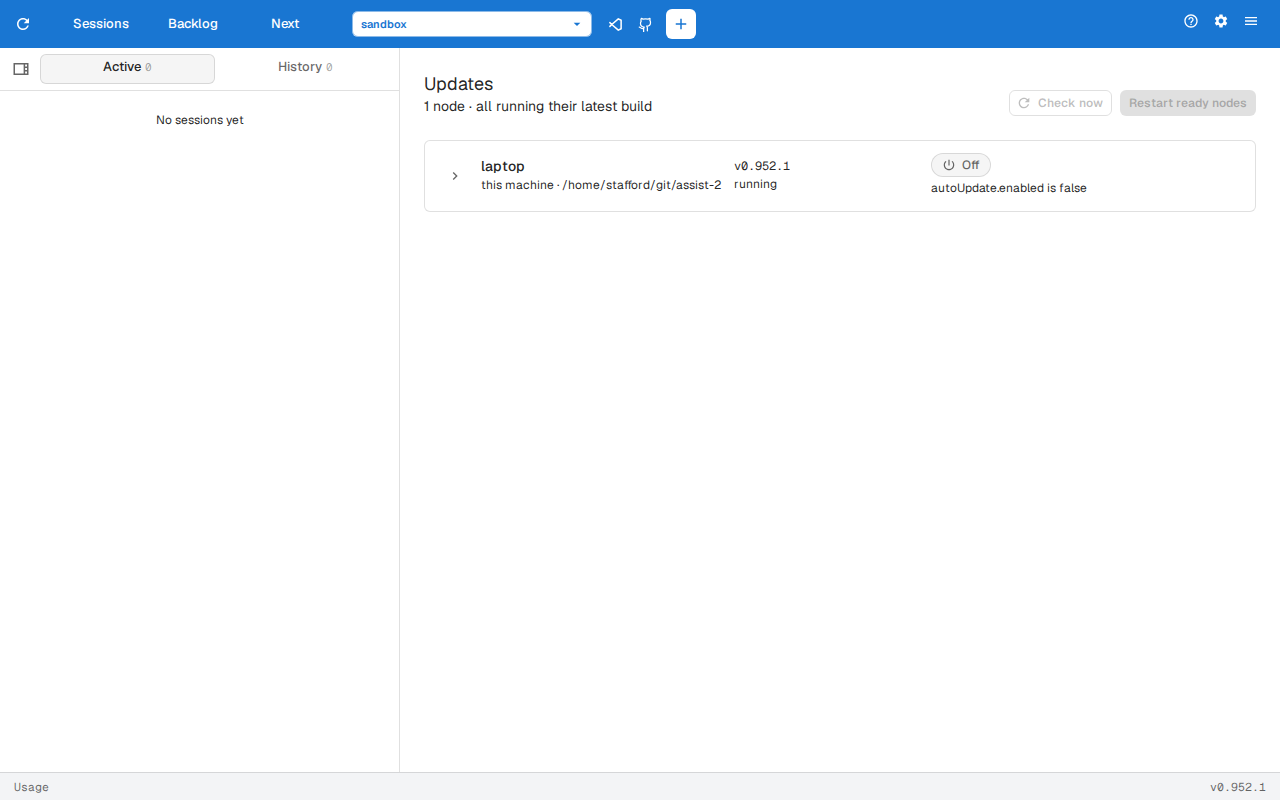
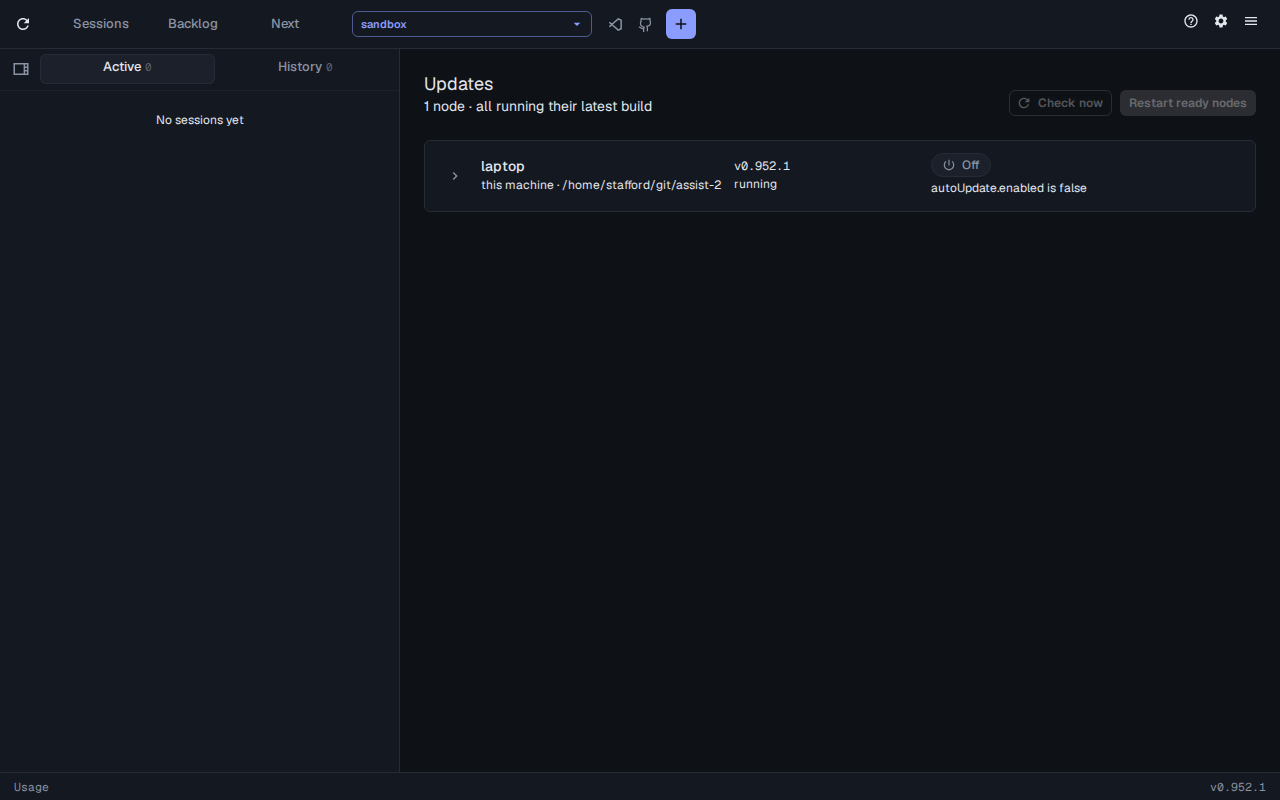
- Restart on a row restarts that machine’s daemon and web server onto the new build it has ready. Restart ready nodes restarts every machine with one ready.
- Check now checks every machine for new commits straight away.
- Pause stops a machine pulling updates until you Resume it.
- Open fix session jumps to the session fixing a clone that couldn’t fast-forward.
- Expand a row for that machine’s update history.
Manual updates
Section titled “Manual updates”assist updateassist update updates assist, whether it was installed from npm or from a git clone.
When the sessions daemon is running, assist update restarts it so it loads the new build. Restart the web server yourself, then reload the browser tab.