
News
Waiting on agents can be boring, and the News page gives you something to read in the meantime, like the latest in AI. It collects posts from the RSS and Atom feeds you’ve added, newest first. Click a post to open it.
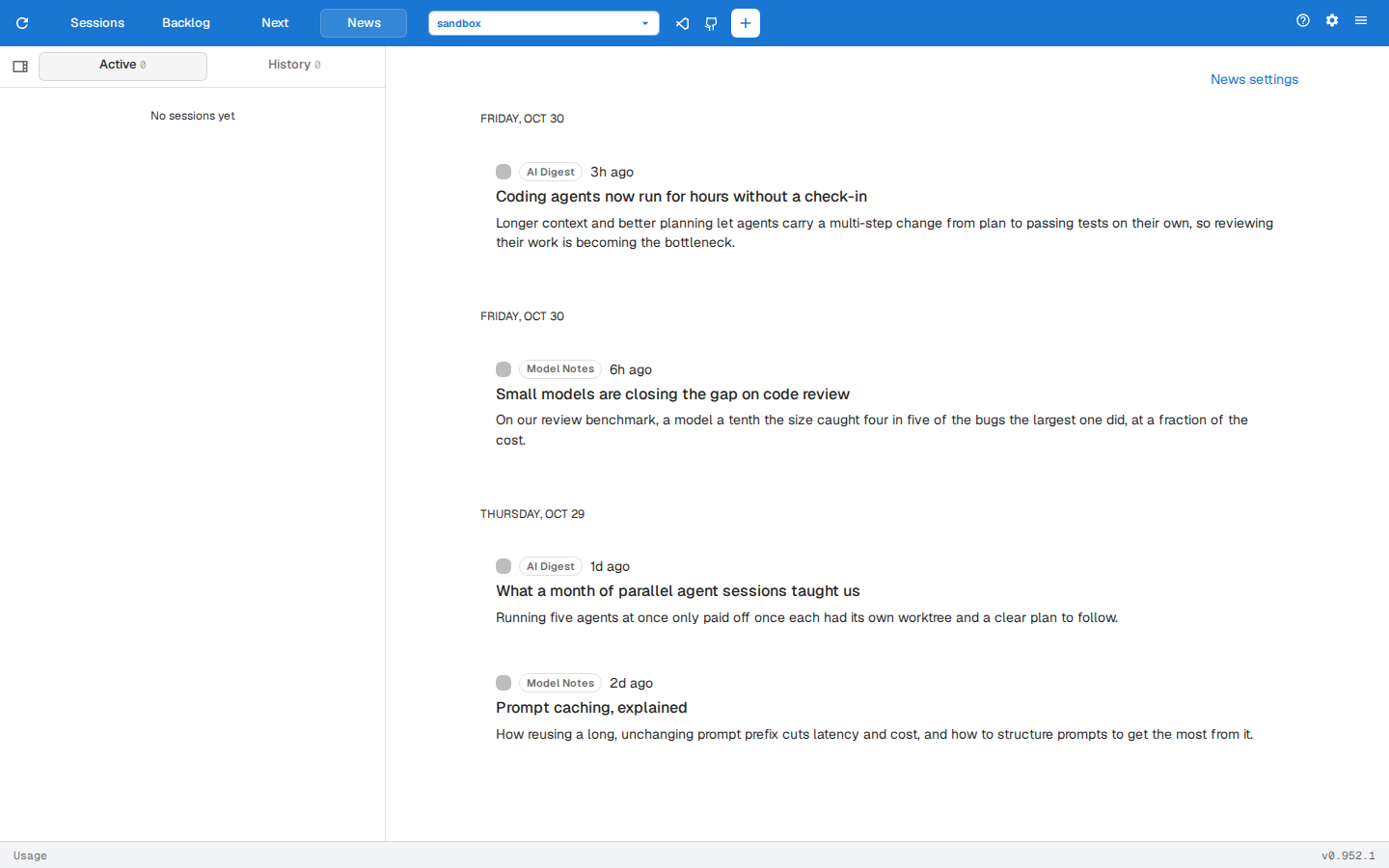
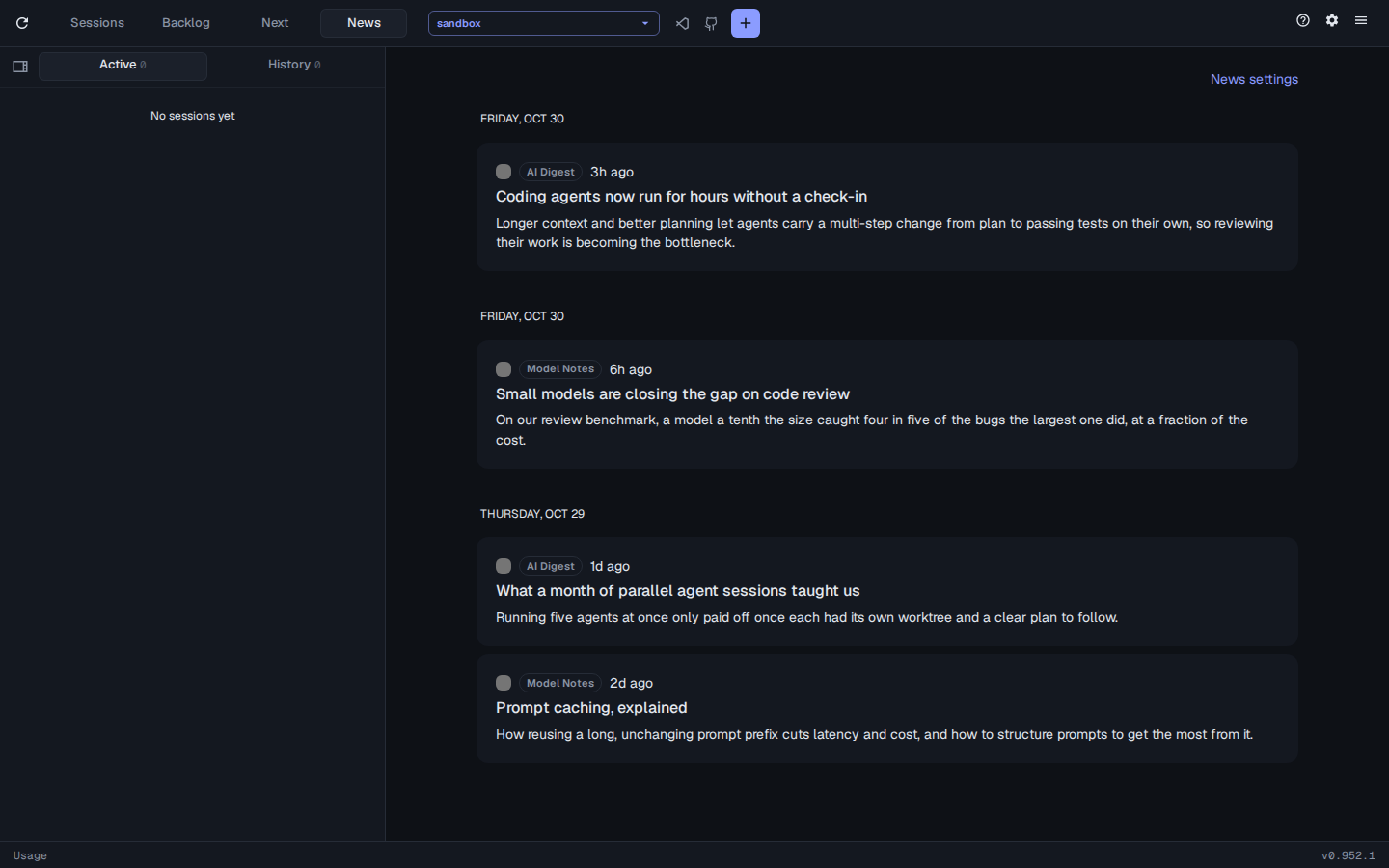
The feeds are the news.feeds config key. It’s stored in the assist database rather than assist.yml, so every machine sharing that database sees the same feeds. Edit it on the Config page, or set the whole list at once:
assist config set news.feeds https://example.com/feed.xml,https://blog.example.org/rssOr add, list and remove one at a time with assist news. assist config unset news.feeds removes them all.
The page is always at /news. To also show a News tab in the toolbar:
assist config set news.showInNav true