
High-level review
A high-level review is a checklist for judging a pull request without reading every line: whether its description is reviewable, whether the shape of the change matches what it says it does, and whether the few files where a mistake is expensive are right. Use it alongside an adversarial review, which does read every line.
Starting a review
Section titled “Starting a review”Pick High-level review from a session’s Review menu, or ask an agent to /review-high-level [number] for the current branch’s pull request or pull request number. The checklist opens in the session’s preview pane.
To get back to a review from the Review menu, pick Open high-level review while it’s open, or Reopen high-level review after closing it.
The checklist
Section titled “The checklist”The first items are checked from the pull request itself and show whether they pass:
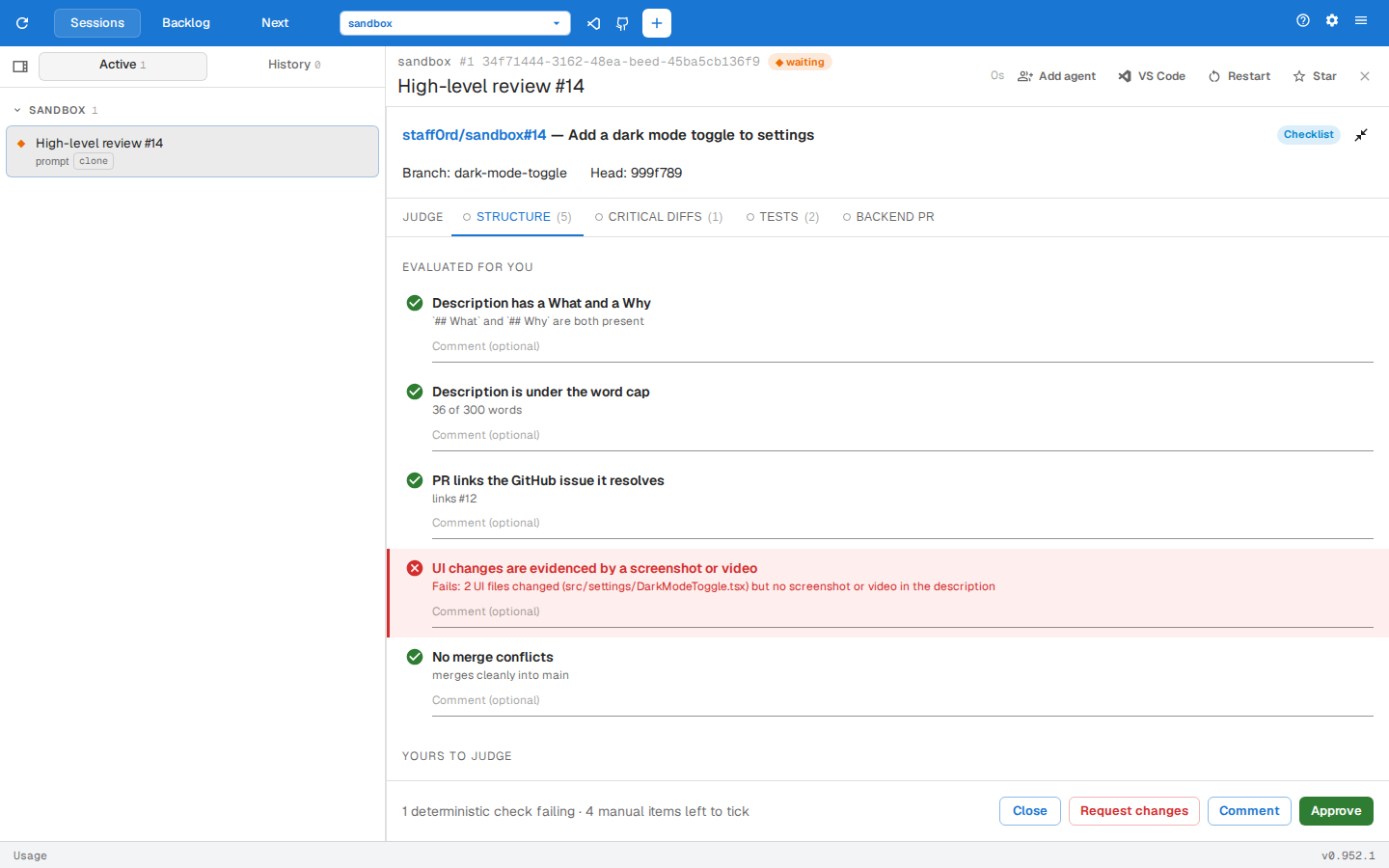
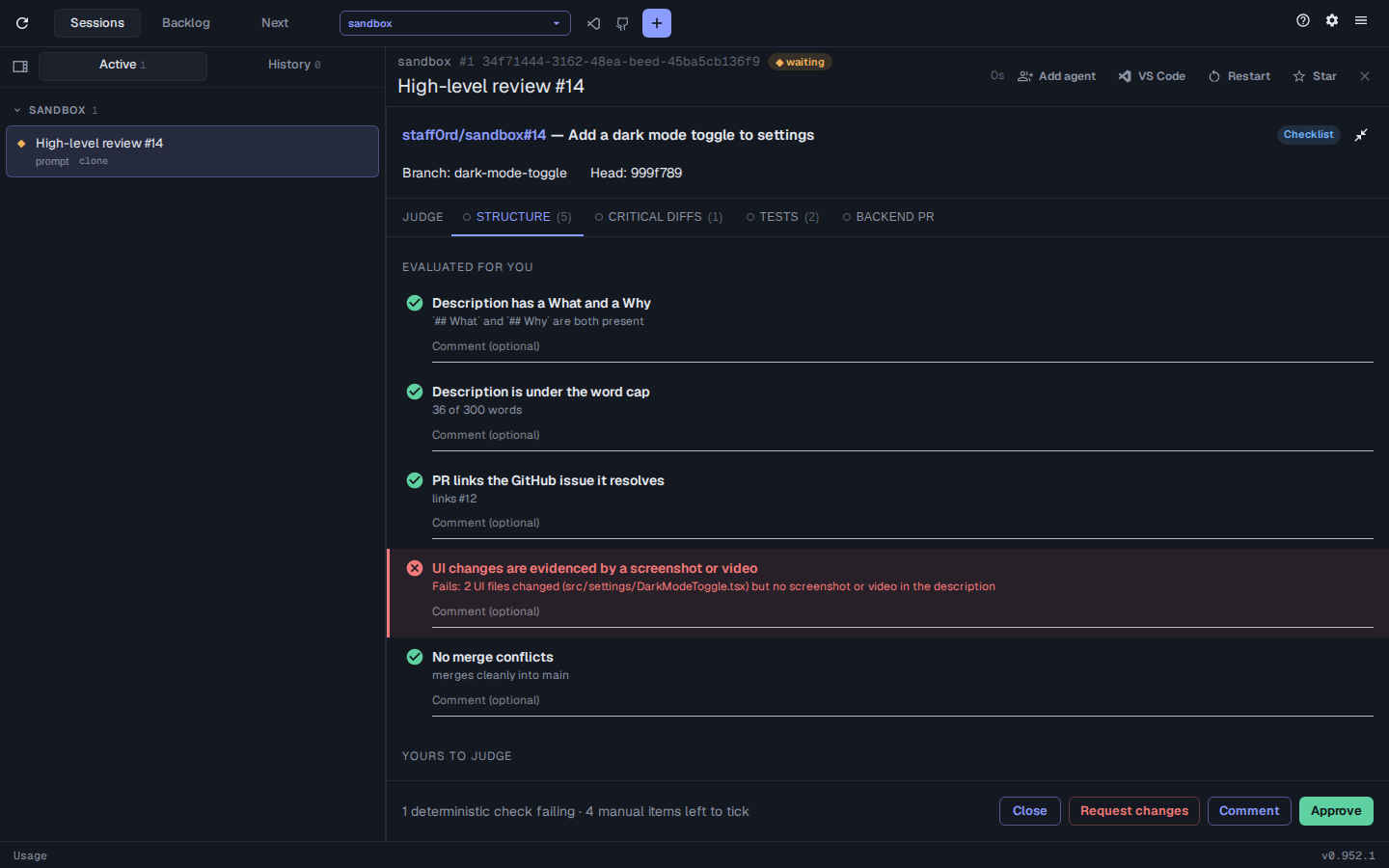
- The description has a What and a Why section.
- The description is under the word cap.
- The pull request links the GitHub issue it resolves.
- A UI change has a screenshot or video in the description.
- The pull request has no merge conflicts.
You tick the rest yourself, each with what you need to judge it:
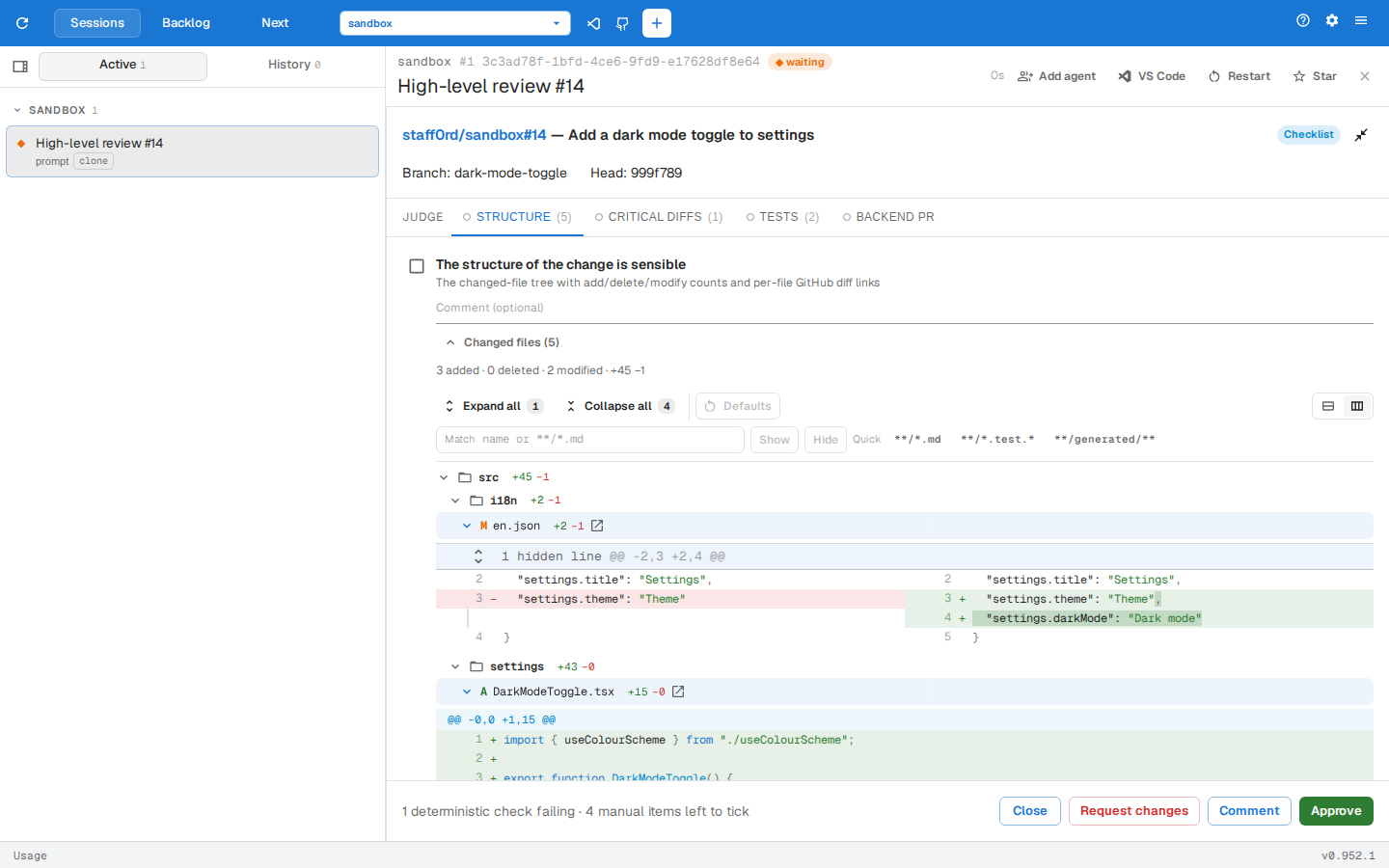
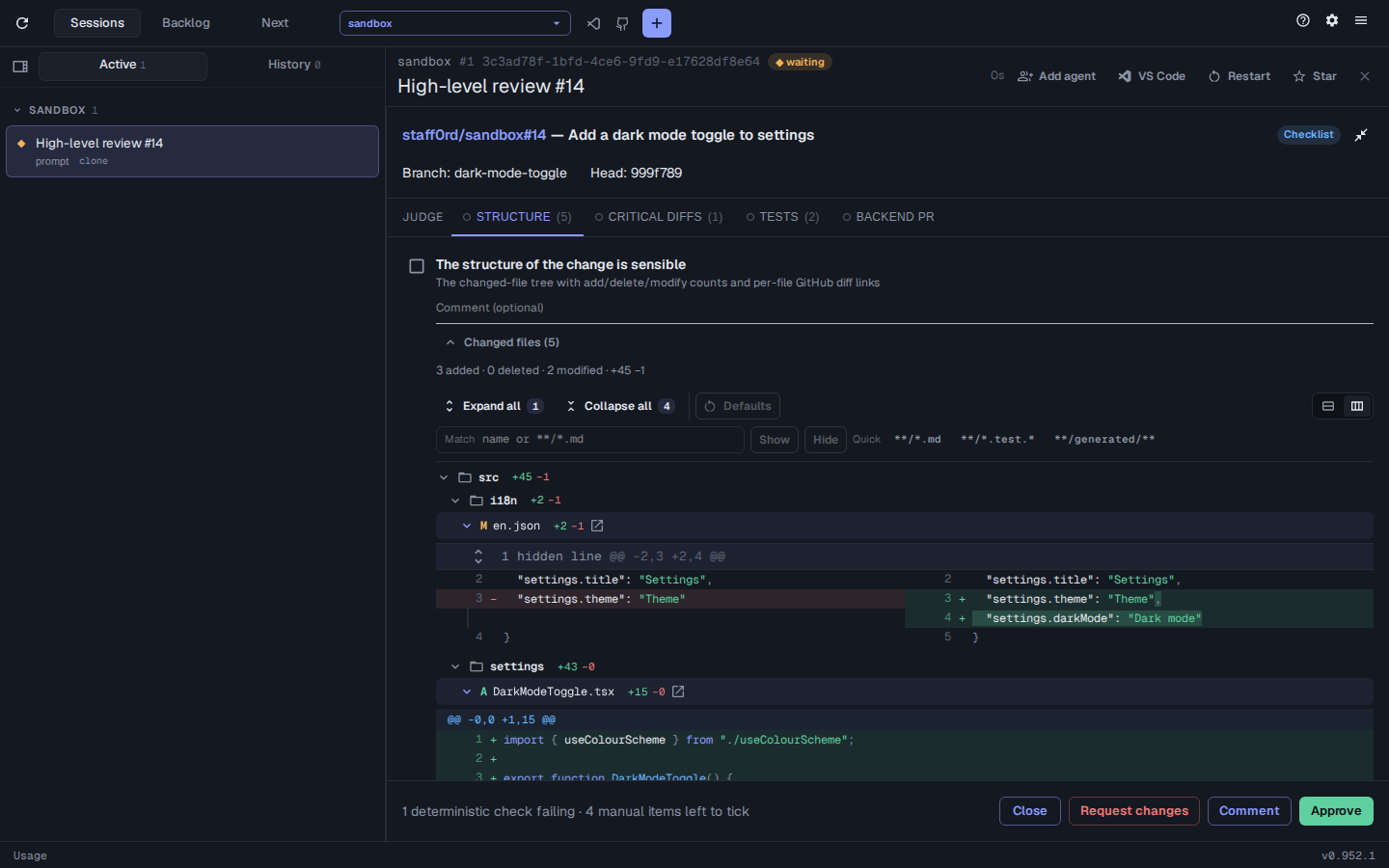
- Structure shows the changed files as a tree with their line counts. Click a file to open its diff, or follow its link to the file on GitHub. Expand all and Collapse all open or close every diff, and typing a file name or glob, or picking a Quick glob, lets Show or Hide just the matching diffs. Defaults puts every diff back as it started.
- Critical diffs shows the full diff of every changed critical file.
- Tests lists the changed tests by name, grouped by file and
describe. Click a test to see its source. - Backend PR asks whether a change that needs backend work links the backend pull request.
Commenting on code
Section titled “Commenting on code”Select lines in a diff or a test’s source and type a note, then:
- Send to agent types it into the session.
- Add to review adds it to the comments posted with the review. Comments on lines in the pull request’s diff are posted on those lines.
Finishing
Section titled “Finishing”- Approve, Comment or Request changes posts your verdict to the pull request as a GitHub review, with your item comments and queued comments. Unless you approve with no comments, what will be posted opens for approval first.
- Close posts nothing and keeps your ticks and comments, so reopening the review picks up where you left off.
Reopening a review of the same commit brings back its ticks and comments. Tick Force re-run in the Review menu to start again.
Configuring the checklist
Section titled “Configuring the checklist”Ask an agent to /review-config and it proposes globs for the repo’s critical, UI and collapsed files, with the files each one matches, for you to approve or comment on before they’re saved. Or set them yourself:
assist config set review.highLevel.criticalPaths "**/*.graphql,src/i18n/*.json"assist config set review.highLevel.uiPaths "src/ui/**"assist config set review.highLevel.descriptionWordCap 300assist config set review.highLevel.testPaths "**/*.test.ts,e2e/**/*.spec.ts"assist config set review.highLevel.collapsedPaths "**/*.test.*,**/generated/**"| Key | Default | Sets |
|---|---|---|
criticalPaths |
see below | Files whose full diffs Critical diffs shows |
uiPaths |
none, so no screenshot is required | Files that make a change a UI change, needing a screenshot or video |
descriptionWordCap |
300 | The most words the description can have |
testPaths |
**/*.{test,spec}.{ts,tsx,js,jsx} |
Test files whose tests Tests lists |
collapsedPaths |
**/*.test.*, **/generated/** |
Files whose diffs start collapsed under Structure |
Unset, criticalPaths covers GitHub workflows and actions, package.json, Dockerfiles (Dockerfile, Dockerfile.*, *.Dockerfile) and CLAUDE.md, anywhere in the repo. Setting it replaces these, so list them too if you still want them.
From the command line, assist review --high-level --configure asks for each key in turn, suggesting globs for any that are unset.