
Reviewing pull requests
A session with a pull request has a Review button on its card and in its top bar. It starts an adversarial review of the pull request by Claude and Codex in a new session.
Choosing a review
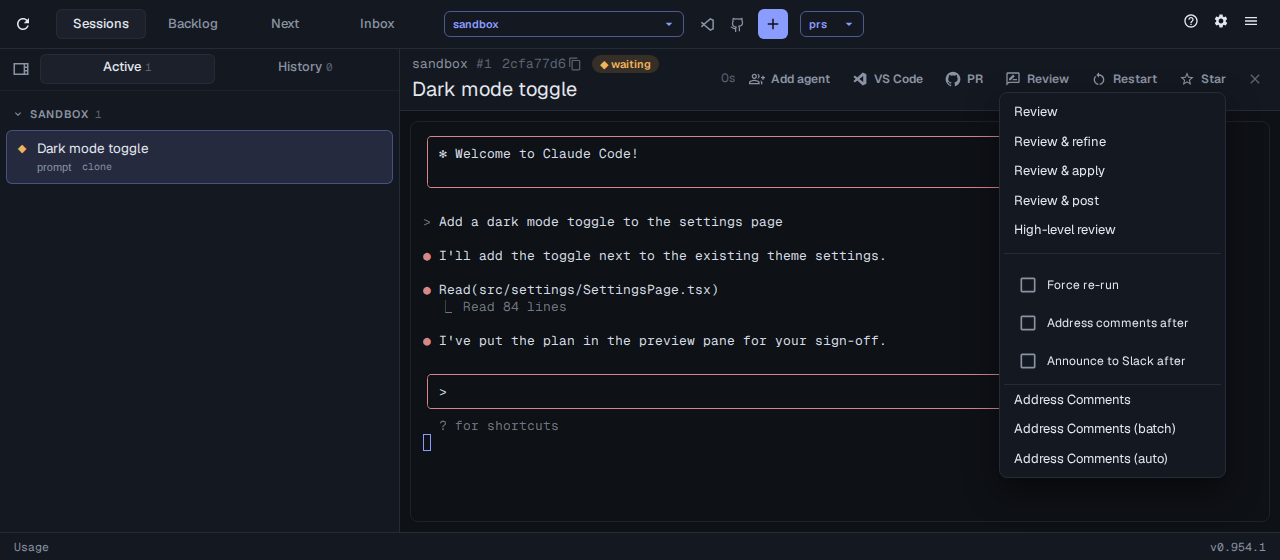
Section titled “Choosing a review”The Review menu, also opened by picking a pull request from the toolbar’s PRs menu, offers:
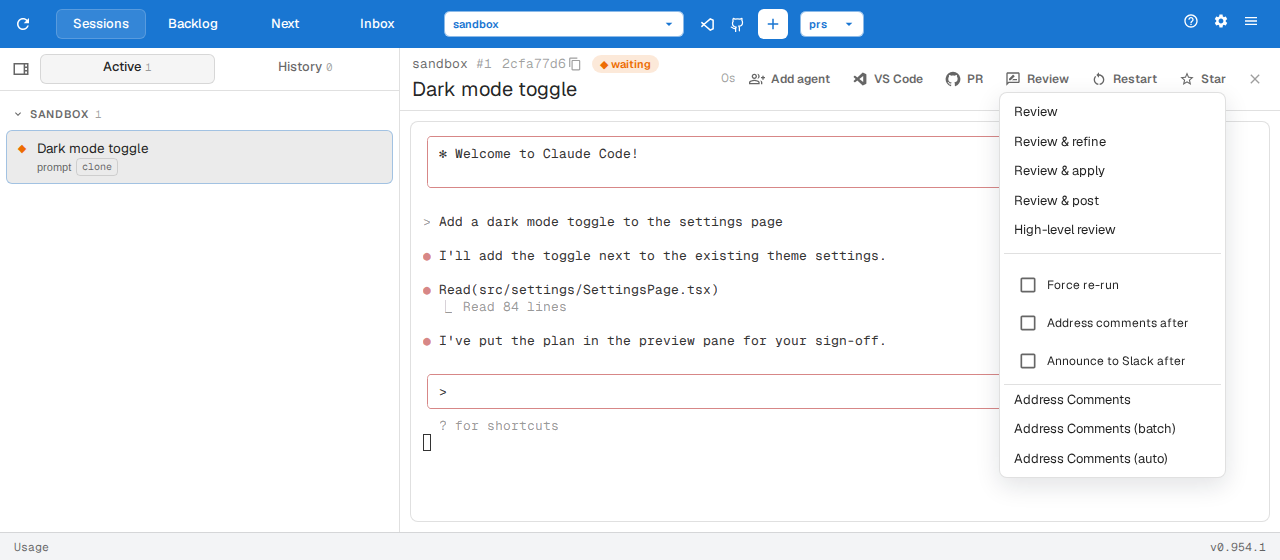
| Mode | Findings |
|---|---|
| Review | Posted once you confirm |
| Review & refine | Refined with the agent, then posted with Review |
| Review & apply | Applied or skipped one by one; skipped ones are left to post |
| Review & post | Posted without asking |
| High-level review | Opens the high-level review checklist |
Tick these before picking a mode:
- Force re-run ignores an earlier review of the same commit.
- Address comments after works through the review comments once posted.
- Announce to Slack after posts the pull request to Slack.
Below them, the Address Comments items work through the pull request’s review comments.
Reading the findings
Section titled “Reading the findings”When a review has finished, its session’s card has a Findings button that shows the combined findings.
Choosing the Codex model
Section titled “Choosing the Codex model”The Codex reviewer runs the Codex CLI under the account you signed in to it with. To run it on a model through your LiteLLM proxy instead:
assist config set review.codexModel gpt-5-codexReviewing in CI
Section titled “Reviewing in CI”Run /review-ci in a repo to have every new pull request reviewed by Claude and Codex in GitHub Actions, through a LiteLLM proxy or Azure AI Foundry. It adds a workflow to the repo and asks which models to use for the two reviewers and the summary. It then gives you a command to run in your own terminal, which asks for the API key and stores the settings on the GitHub repo. Commit the files it adds; the findings arrive as a review on each pull request that isn’t a draft.