
Keyboard shortcuts
The layout
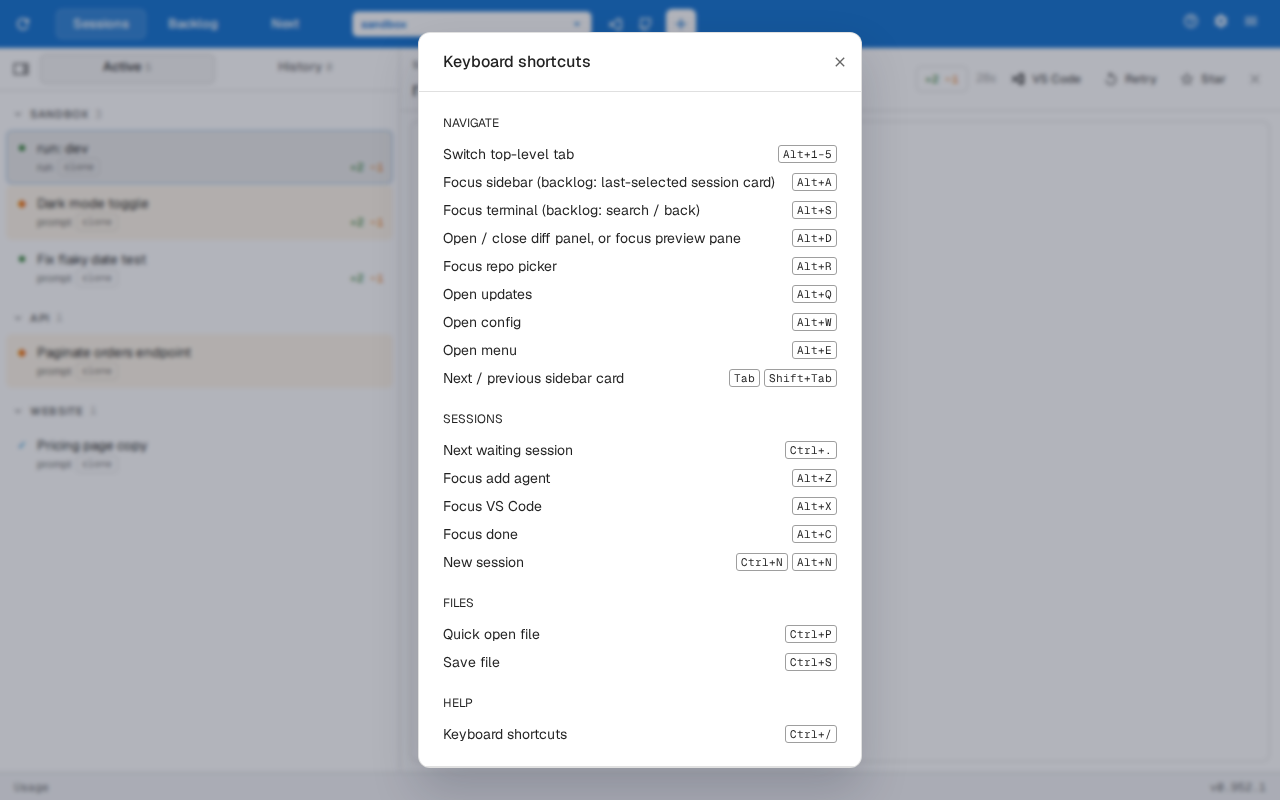
Section titled “The layout”The dashboard can be driven without the mouse. Most shortcuts are ⌥Alt plus a left-hand key, one keyboard row per screen region, and they work while the terminal has focus.
| Keys | Action |
|---|---|
| ⌥Alt1 … ⌥Alt6 | Select the Nth top-level tab |
| ⌥AltQ | Open the Updates page (the version badge) |
| ⌥AltW | Open the config page |
| ⌥AltE | Open the menu, focused on its first item |
| ⌥AltR | Focus the repo picker; Tab and ⇧ShiftTab then move along the toolbar |
| ⌥AltA | Focus the active session’s card, expanding the sidebar and switching to Active |
| ⌥AltS | Focus the active session’s terminal |
| ⌥AltD | Open and focus the diff panel, or close it back to the terminal |
| Tab / ⇧ShiftTab | Move to the next or previous sidebar card |
| ⌥AltZ / ⌥AltX / ⌥AltC | Focus the top bar’s Add agent, VS Code and Done buttons |
| ⌘Ctrl. | Jump to the next session waiting on input |
| ⌘CtrlN or ⌥AltN | Open the new-session dialog |
| ⌘CtrlP | Quick-open a file |
| ⌘CtrlS | Save the open file |
| ⌘Ctrl/ | Show the keyboard shortcuts sheet |
A shortcut whose target is on the Sessions tab switches there first, and a key whose button isn’t shown does nothing. While a session’s preview pane is open, ⌥AltD focuses the pane’s primary decision button instead of the diff, and pressing it again returns to the terminal.
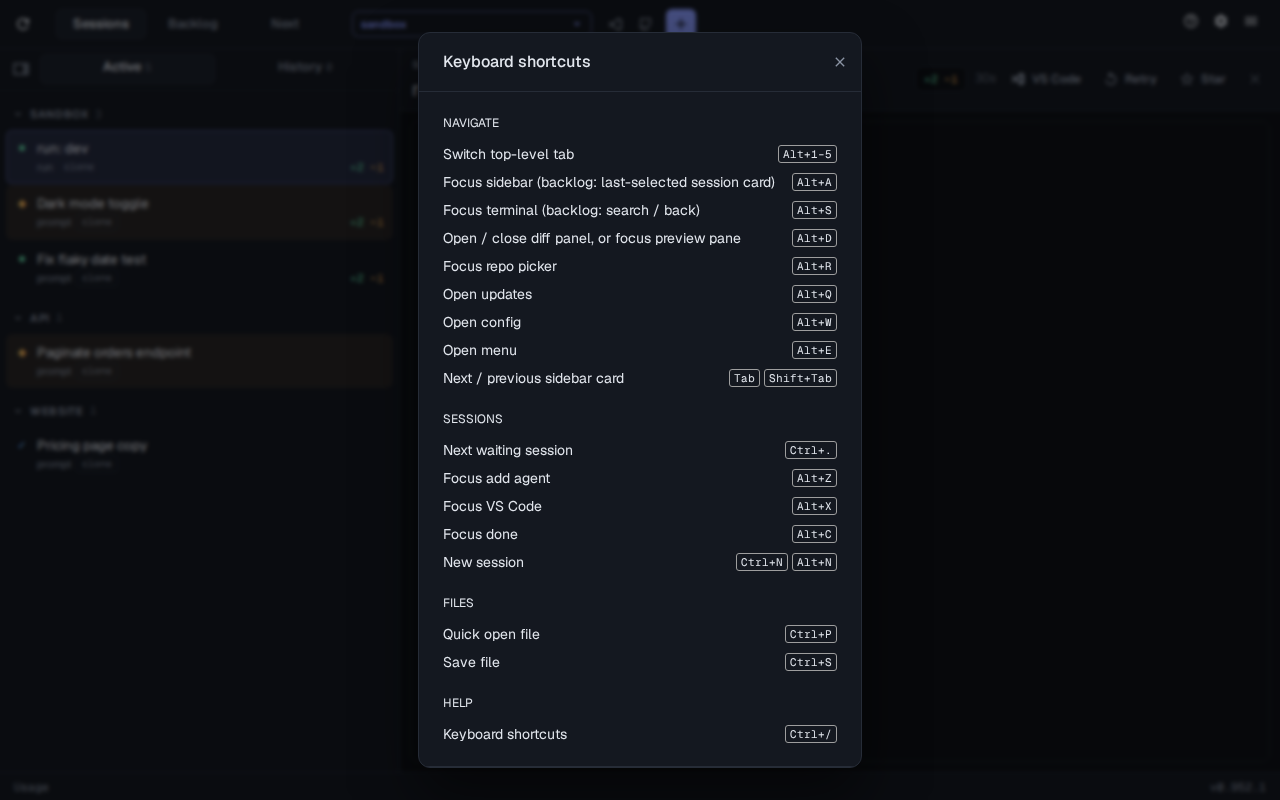
The tabs, toolbar buttons and top-bar buttons show their shortcut in their tooltip. The menu’s Keyboard shortcuts item opens the same sheet as ⌘Ctrl/.
Changing a shortcut
Section titled “Changing a shortcut”Each action’s chord is the config key sessions.hotkeys.<action>:
assist config set sessions.hotkeys.focusTerminal Ctrl+Alt+JRestart the web server and reload the page to apply it. A chord is modifiers plus one key joined by +, such as Alt+S, Ctrl+Shift+K or Mod+/. The modifiers are Ctrl, Alt (Option), Shift, Meta (Cmd) and Mod (Cmd on macOS, Ctrl elsewhere), and at least one must be something other than Shift. The key is a letter, digit, punctuation, F1–F12 or a named key such as Enter or ArrowUp. Option chords work on macOS.
An override replaces all of that action’s default chords, and assist config set rejects an invalid one. navTab takes modifiers only (for example Ctrl+Alt); the tab digits stay 1–6. Tab card-cycling can’t be changed.
The actions are navTab, focusSidebar, focusTerminal, toggleDiff, focusRepoPicker, openUpdates, openConfig, openMenu, focusAddAgent, focusVsCode, focusDone, nextWaiting, newSession, quickOpen, save and shortcutsSheet. assist sessions web --help lists each with its default.