Browser extension
The assist extension for Firefox starts sessions from GitHub, Azure DevOps and Gmail pages and edits acceptance criteria in GitHub issues.
Installing
Section titled “Installing”Run /extension for a link to the latest build. Open it in Firefox and accept the install prompt; the extension keeps itself up to date. When the connected extension is behind the latest build, the dashboard offers it: press Install on the notice to update now.
It sends to the web server at http://localhost:3100. If yours runs elsewhere, change it on the extension’s options page, opened by the assist button in Firefox’s toolbar.
Sending from GitHub
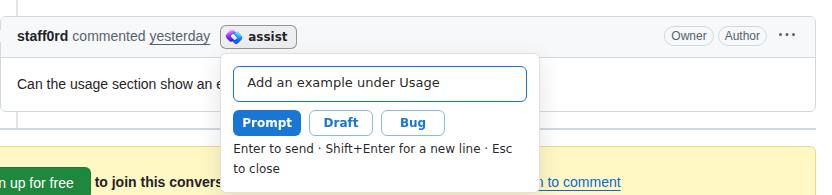
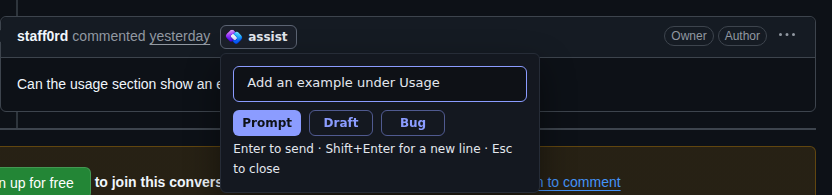
Section titled “Sending from GitHub”The extension adds an assist button beside each comment and review on a pull request or issue, and to the issue’s header. Click it, optionally type instructions, then pick:
| Button | Does |
|---|---|
| Prompt | Starts a session in your clone of the repo, with the link and your instructions. Enter picks this |
| Draft | Drafts a backlog item from the link and your instructions |
| Bug | Files a backlog bug from the link and your instructions |
The repo must be cloned under clone.baseDir.
On a pull request, the header button opens the same menu as the dashboard’s Review menu: its review modes and options, Checkout, Address Comments and Fix conflicts.
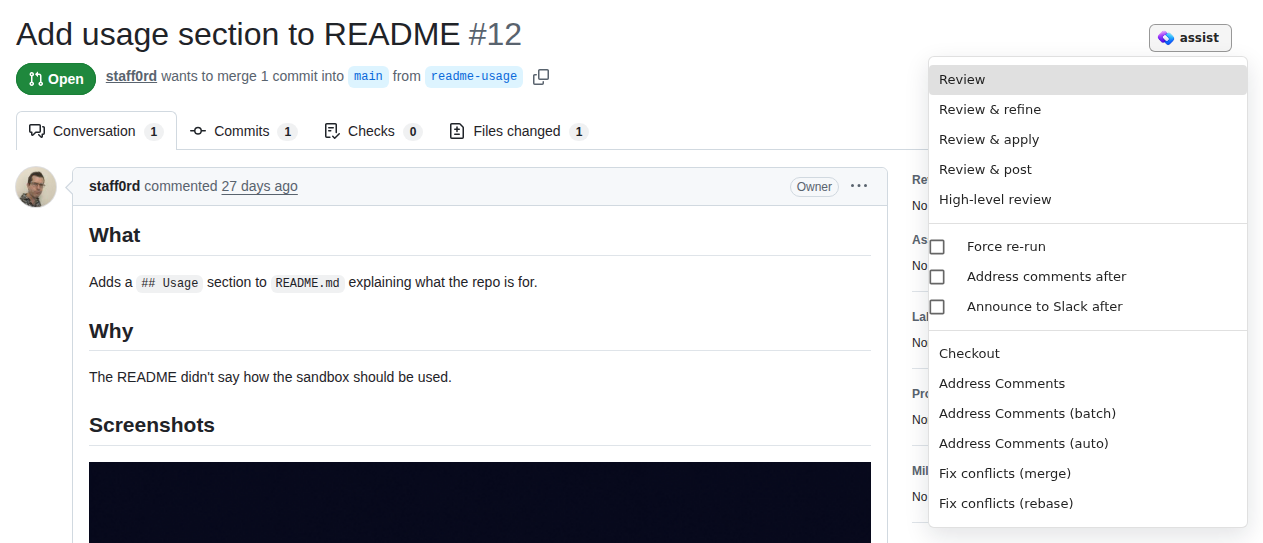
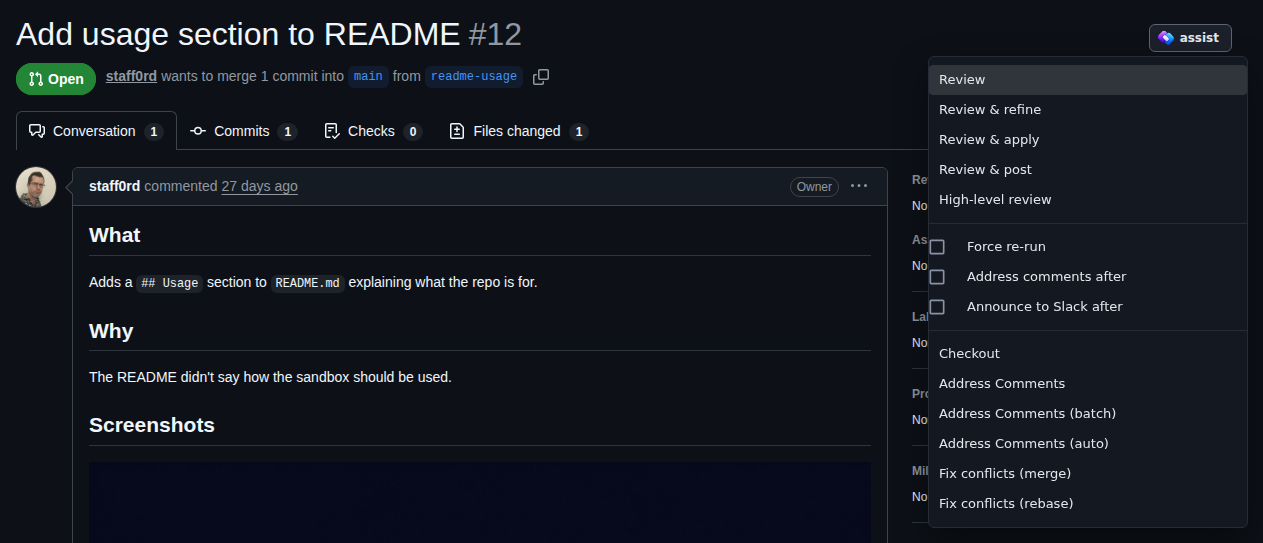
On an Azure DevOps pull request it offers Checkout and Address Comments, which need the Azure CLI with its azure-devops extension, logged in with az login.
Sending from Gmail
Section titled “Sending from Gmail”Each open message in Gmail gets an assist button beside its date. It opens the same popover, with a repo picker listing your clones under clone.baseDir; the session starts in the clone you pick, with a link to the message. The picker remembers your last pick.
If Gmail shows no button after an update, grant the extension access to mail.google.com on about:addons → assist → Permissions.
Working on issues in another repo
Section titled “Working on issues in another repo”If a repo’s issues are worked on in a different repo, map one to the other, and sessions from that repo’s issues open in your clone of the other:
assist config set extension.redirects.acme/roadmap acme/webPull request reviews always open in the pull request’s own repo.
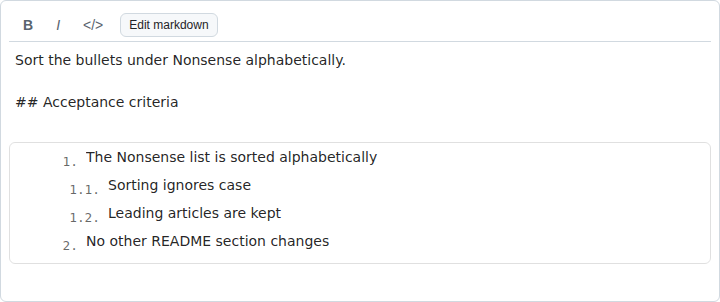
Acceptance criteria
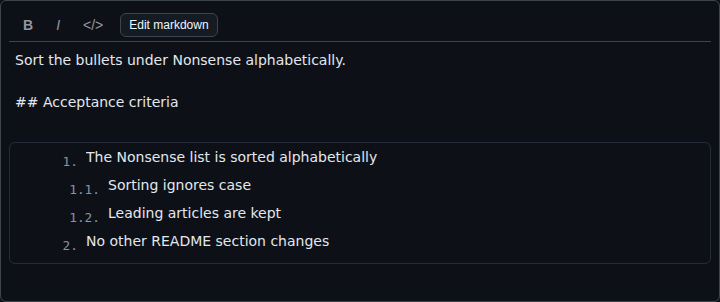
Section titled “Acceptance criteria”When you edit an issue’s description, or write a new one, the editor’s toolbar gains Outline criteria. Press it to edit the acceptance criteria as an outline of rows, then save the issue as usual. Edit markdown goes back to the text.