
Inbox
The Inbox page lists messages people sent you in Gmail and Slack that look like they need a reply, newest first. Each shows who sent it, where it came from and a short summary. The tab counts them.
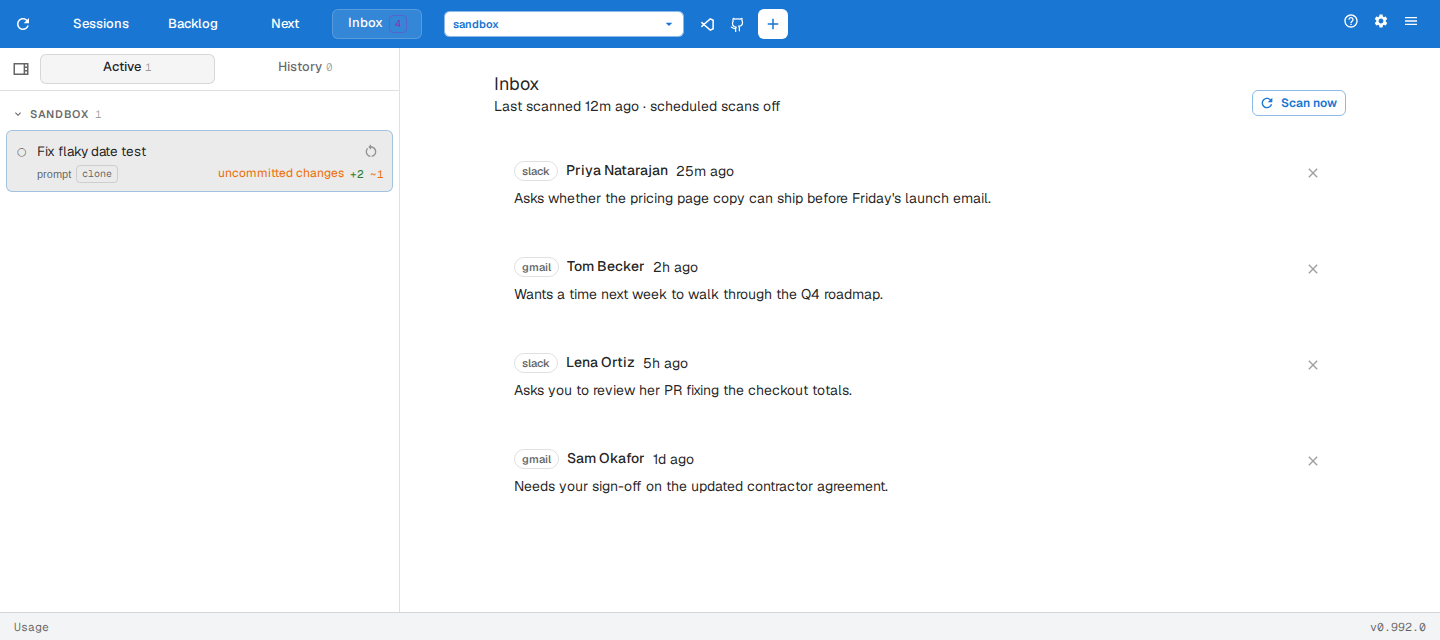
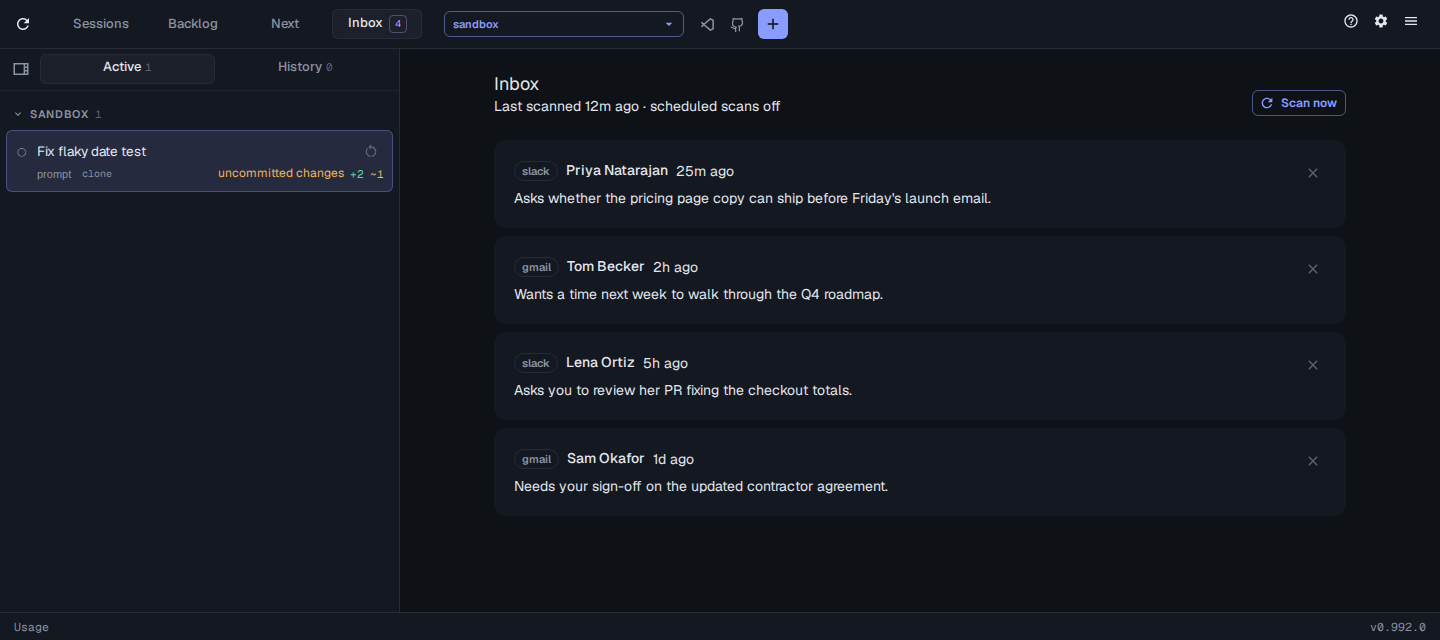
- Click a message to open it in Gmail or Slack.
- Click its × to dismiss it once you’ve dealt with it. A dismissed message doesn’t come back.
- Click Scan now to check for new messages. To scan on a schedule, set
inbox.intervalMinutes. - Expand Scan activity to follow the running or last scan as it searches and reads your messages, with the tokens each step used and the scan’s total tokens, cost and duration.