
Backups
The Backups page lists the backups of the assist database, which holds every repo’s backlog, newest first.
To open it, go to the Backlog tab (⌥Alt2) and click Last backed up (Never backed up before your first backup) at the top right.


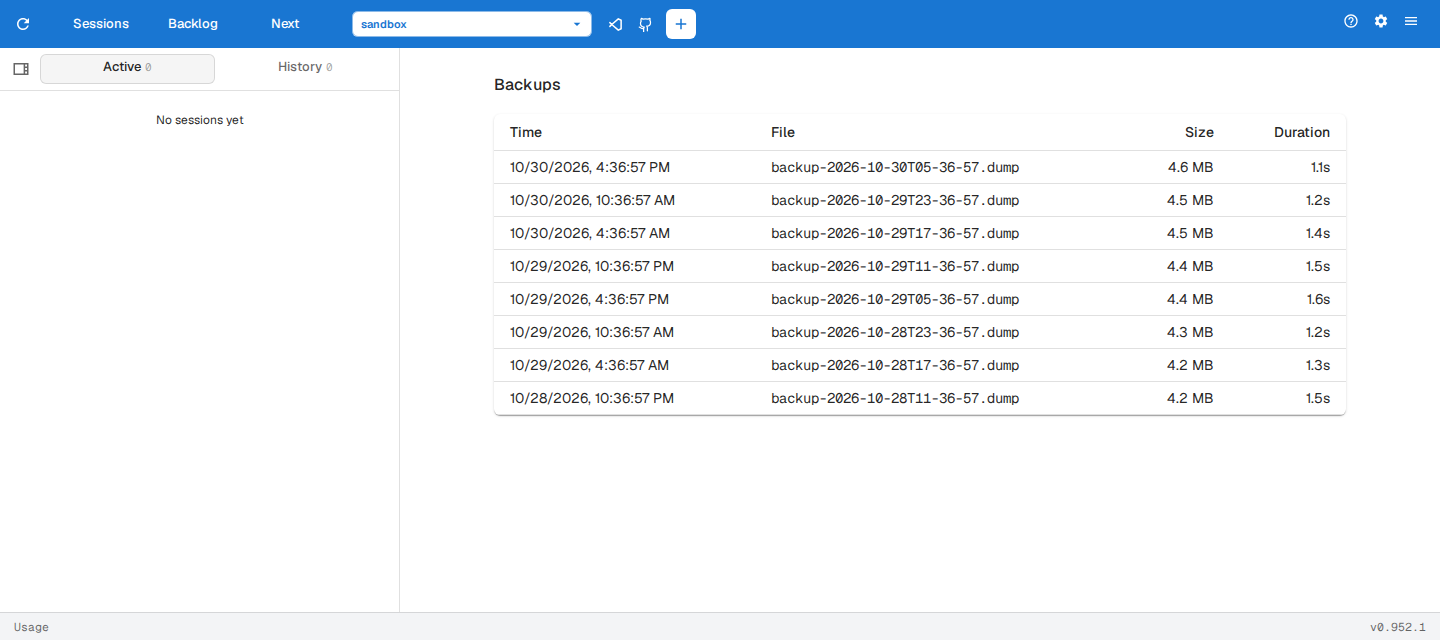
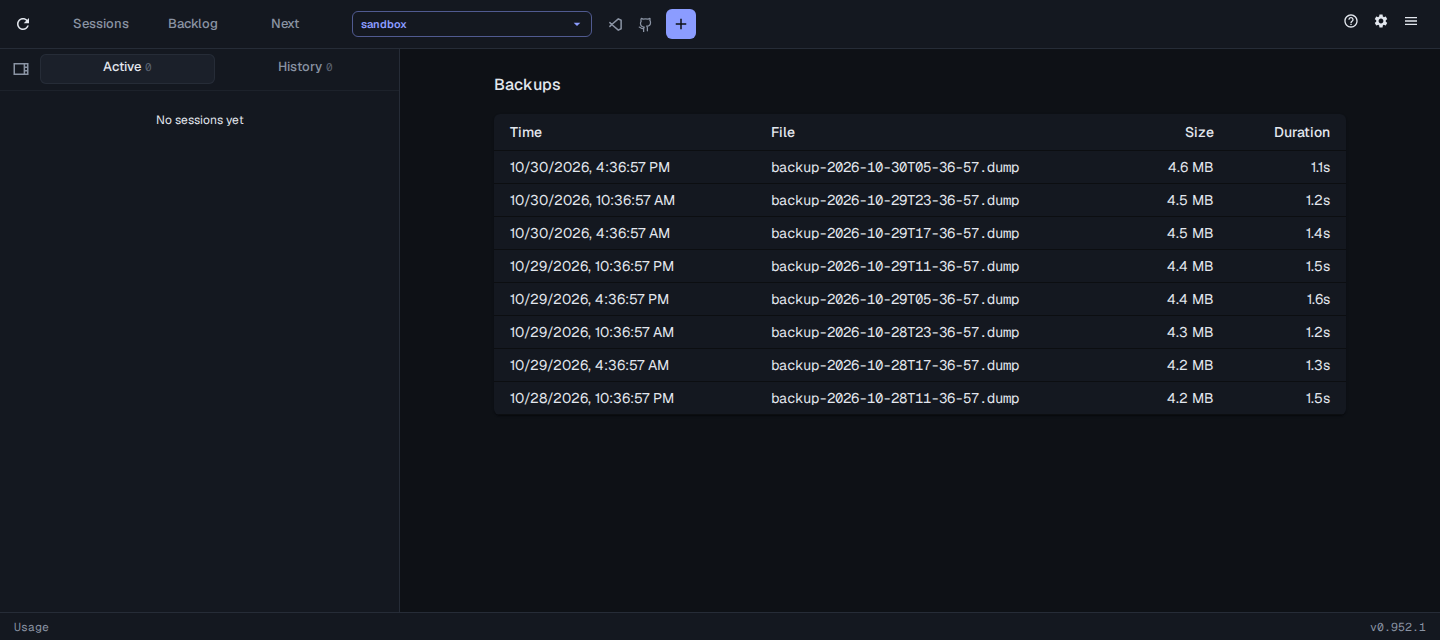
Hover a file name for its full path.
Backups are taken, scheduled and restored from the command line, see assist backup. That page also covers backup.staleAfter, which sets how old the newest backup can get before Last backed up warns that it’s overdue.