
Backlog
The backlog holds each repo’s work as items: stories and bugs, each with a description, acceptance criteria and, usually, a plan of phases that an agent works through one at a time. Items are written by drafting and built by running them.
The Backlog tab (⌥Alt2) lists the selected repo’s items.
Why a separate backlog
Section titled “Why a separate backlog”Assist keeps its own backlog because an item is what drives an agent’s run. It holds the plan the agent works through, the phase it’s on, and each session’s summary, commits and usage, all updated many times per phase. An issue tracker holds none of that in a form an agent can safely update, and it would bury the team’s discussion under run details.
If your team uses Jira or GitHub issues, link the ticket to the item instead. The ticket stays the team’s record, and the item’s first phase assigns it to you and moves it to In Progress; close it with /jira done or /github done.
The list
Section titled “The list”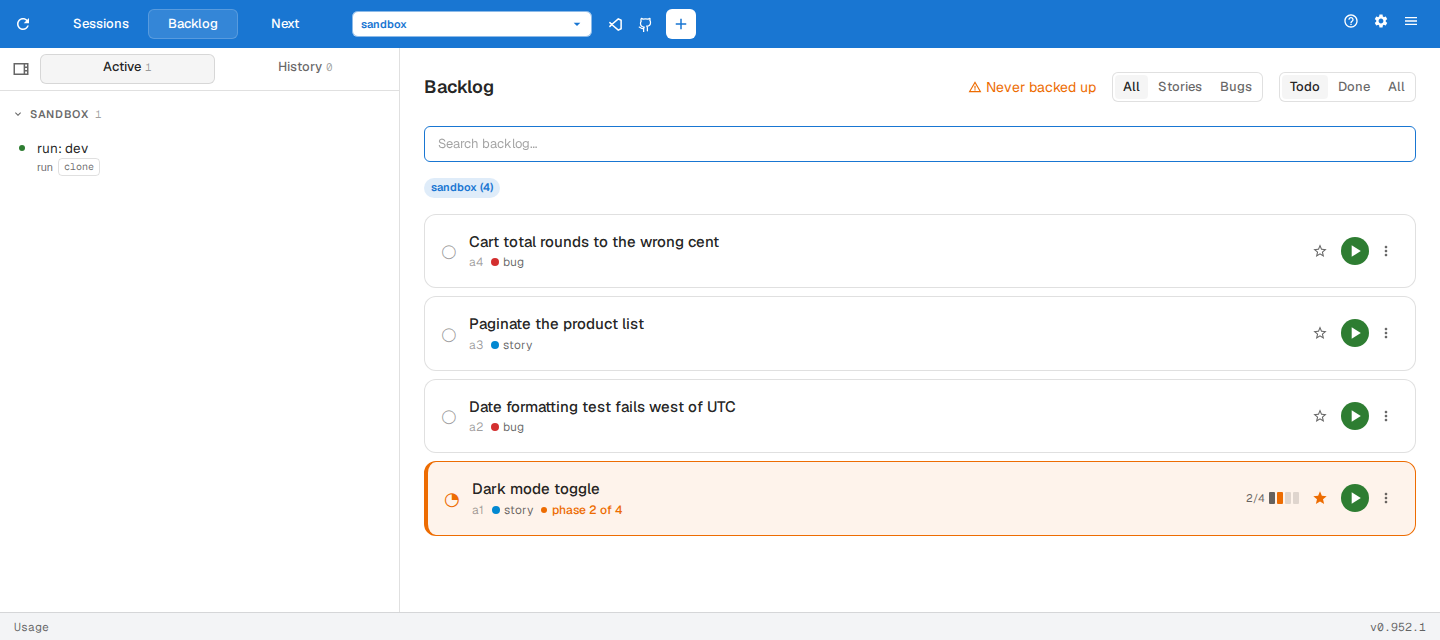
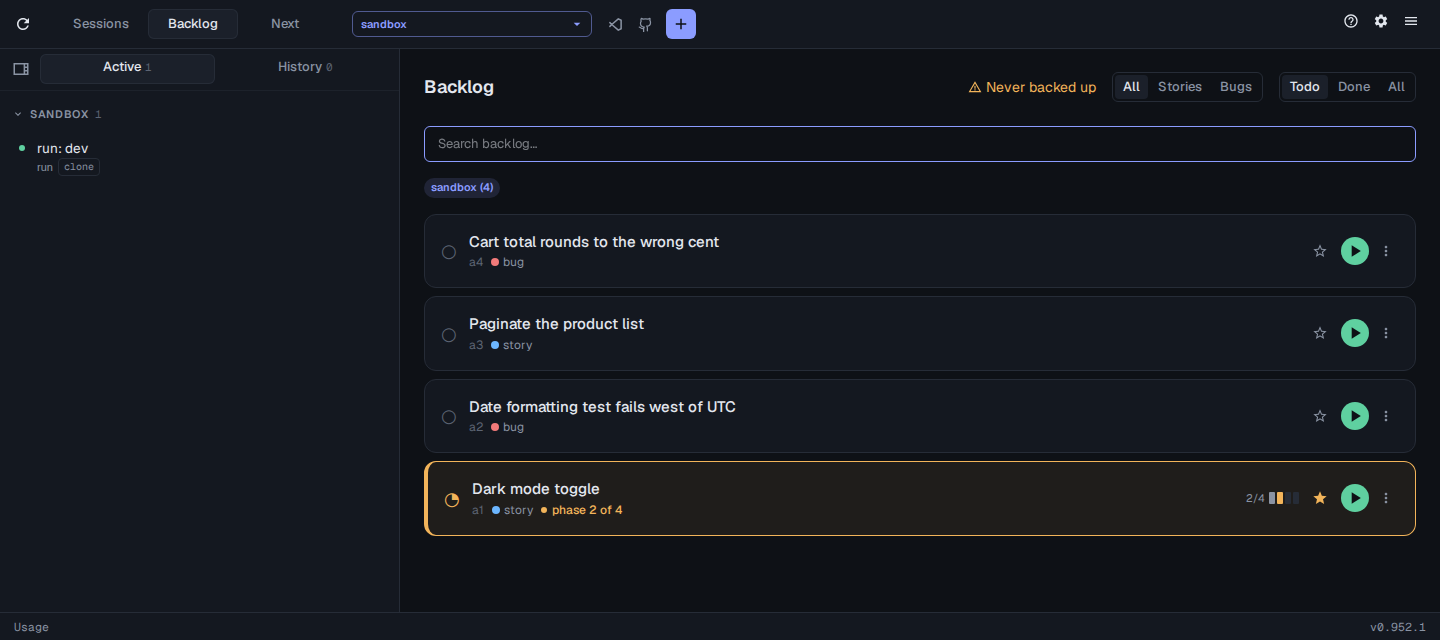
- Search backlog… finds items by keyword.
- All / Stories / Bugs filters by type.
- Todo / Done / All filters by status. Todo shows items not yet finished, and the choice is remembered.
- The chips under the search box switch to another repo, each with its count of open items. A dashed chip is a repo that isn’t cloned on the selected machine: click it to clone the repo into
clone.baseDir(default~/git) and switch to it.
assist config set clone.baseDir ~/srcEach card shows the item’s status (○ todo, ◔ in progress, ● done, ✕ won’t do), id, type and, while in progress, the phase it is on, with a meter of its phases on the right. Click phase N of M to jump to the item’s session.
On the right of a card:
- Star pins the item, so its sessions stay at the top of the sidebar.
- Build runs the item. A repo that isn’t cloned shows Clone instead, and an item already running shows its session.
- More actions opens Refine (refining an item), Mark done and Won’t do.
Click a card to open the item.
Item ids
Section titled “Item ids”An item’s id is a followed by a number, such as a1 or a555, shown beside its type. Numbers count up as items are created and are never reused, across every repo. The a sets an item apart from a pull request or issue (#14) and a Jira key (PROJ-12), so you can name an item in a prompt and the agent knows it’s a backlog item: /refine a555, /next a555, or “pick up a555”. Commands also accept the bare number.
An item
Section titled “An item”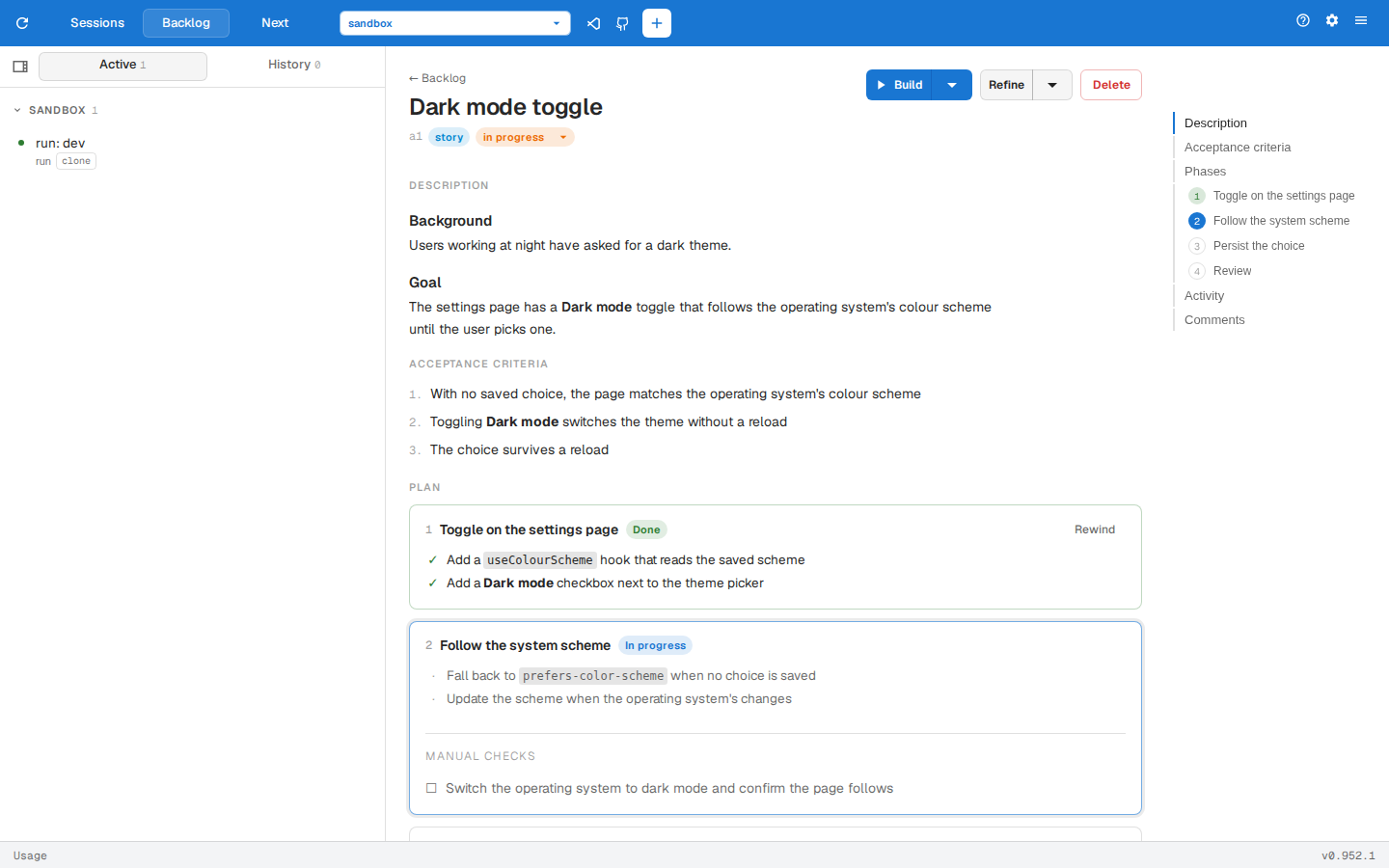
The header holds:
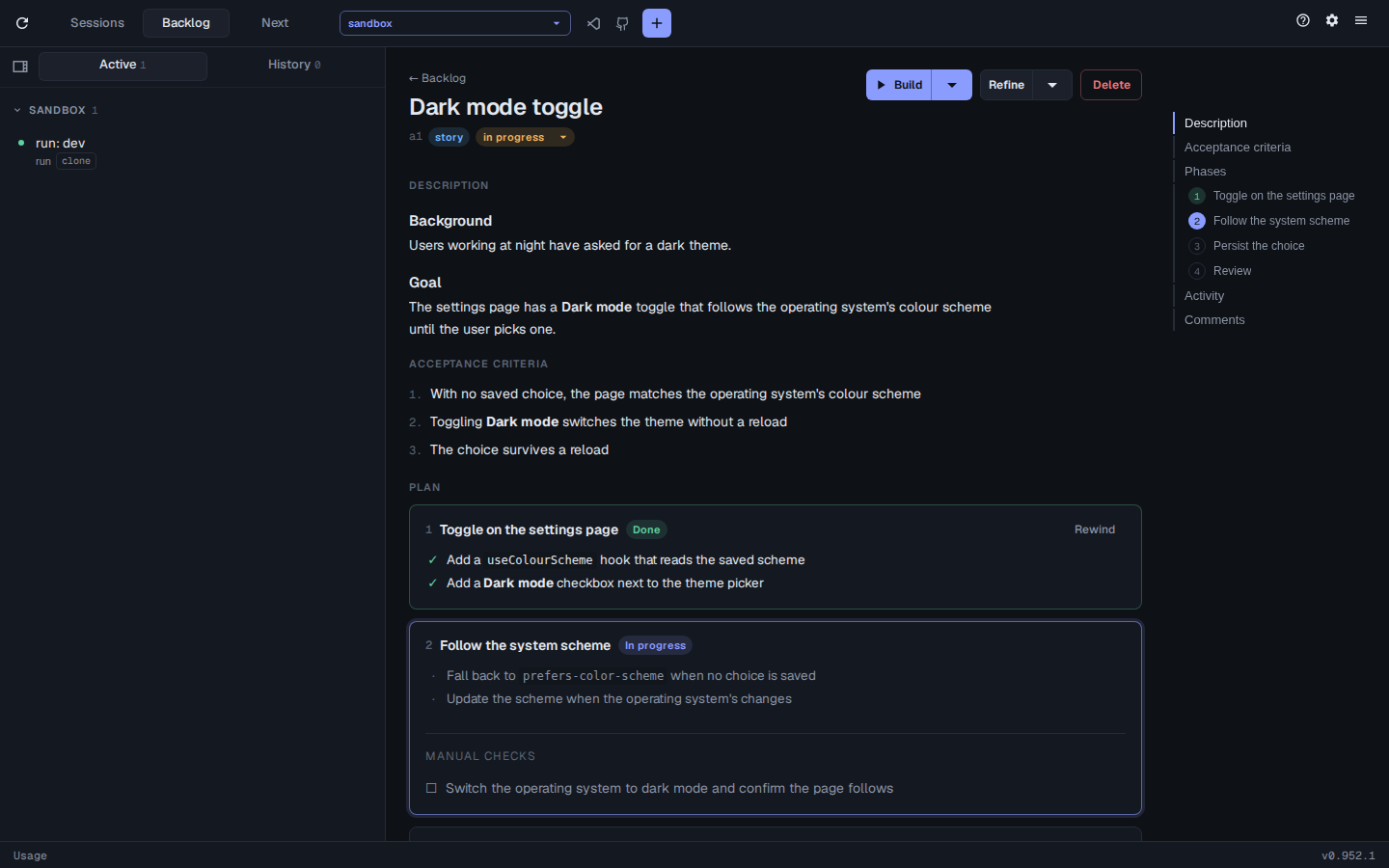
- Build runs the item from the phase it is on. Its arrow builds with Codex or pi instead, when they are installed.
- Refine starts a session to refine the item. Its arrow refines with Codex or pi.
- Delete deletes the item.
- The status picker sets the item to todo, in-progress, done or won’t do.
- The Jira or GitHub issue the item is linked to, which opens it.
Below are the Description and Acceptance Criteria, followed by the Plan, Activity and Comments. On a wide window, the navigator on the right jumps to each section and phase.
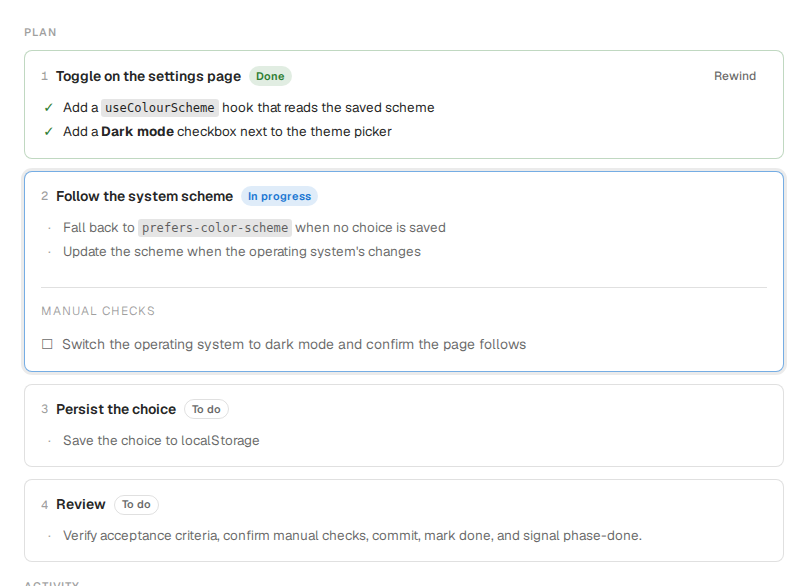
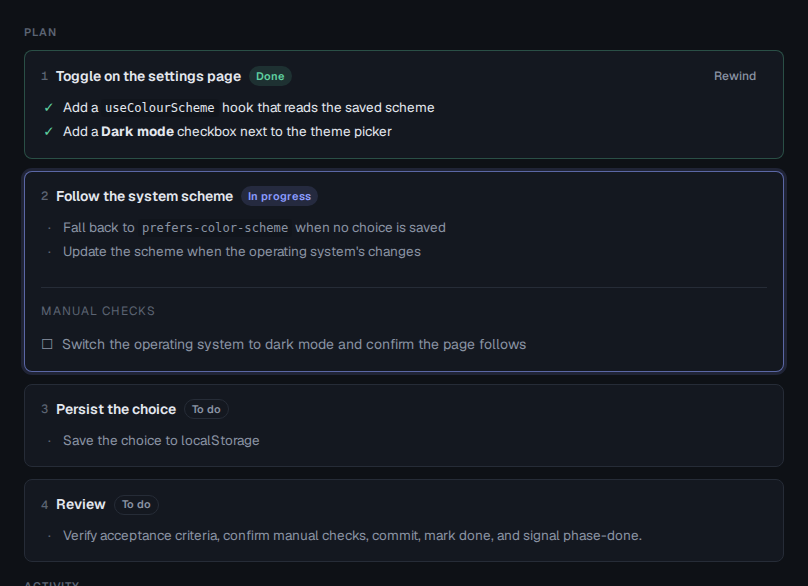
Each phase lists its tasks and any manual checks you’ll be asked to confirm, its token and time usage, and the sessions that worked on it. Rewind on a finished phase sends the item back to it: give a reason, and the next build picks up from that phase with your reason.
Activity and comments
Section titled “Activity and comments”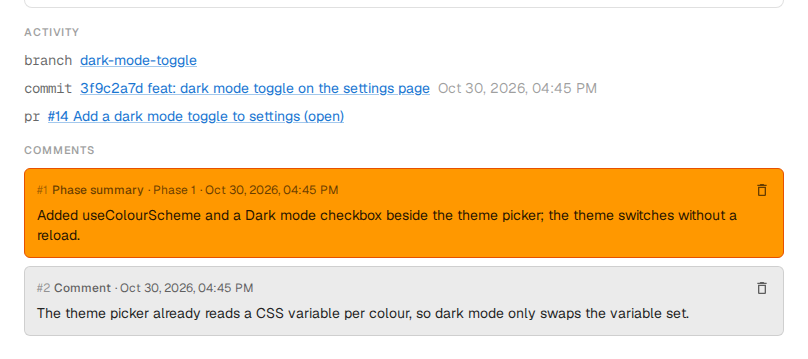
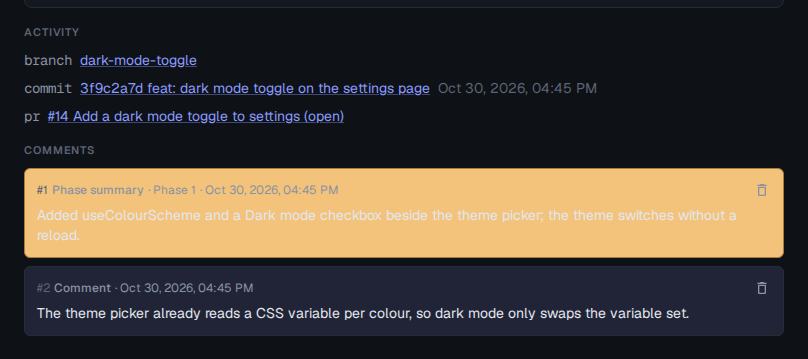
Activity lists the item’s designs, branches, commits, pull requests, Slack threads and agent conversations. on a conversation resumes it as a new session. Comments holds each phase’s summary and the notes agents added; deletes a comment.