Creating sessions
The new-session dialog
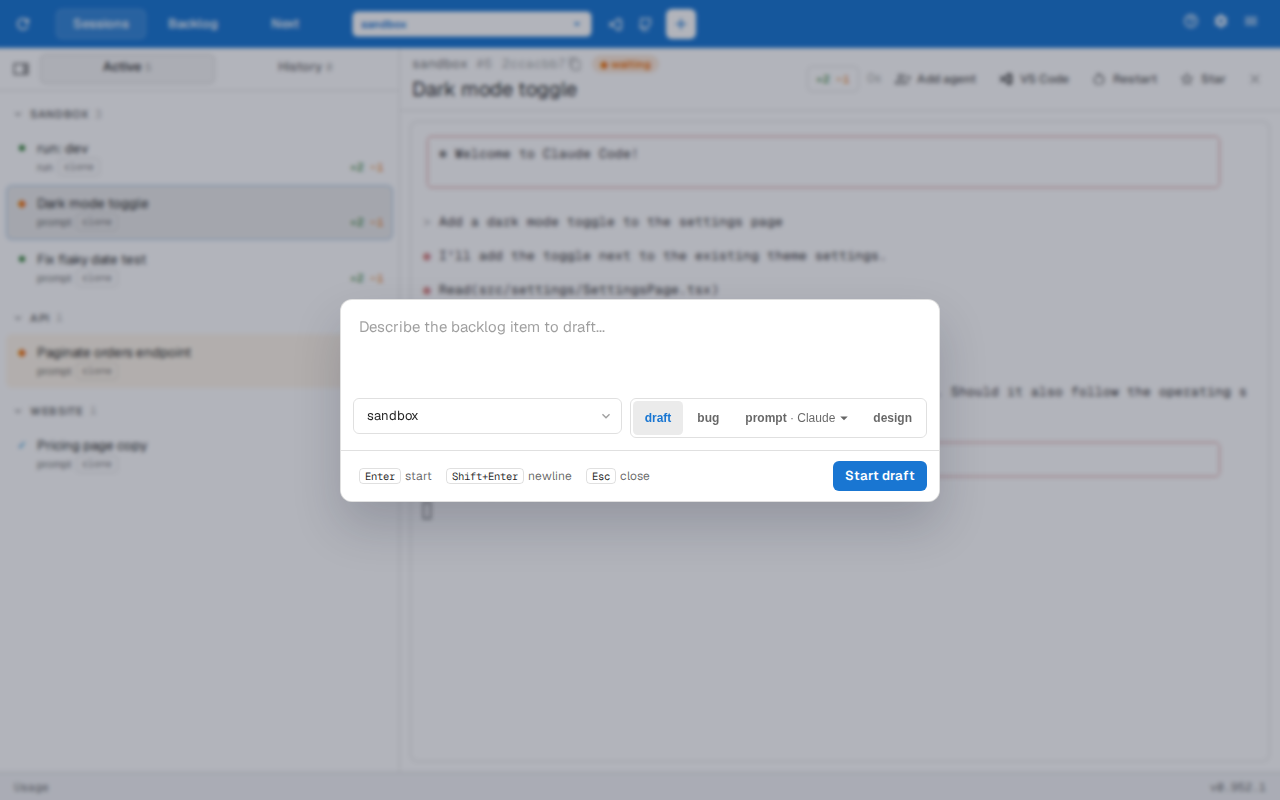
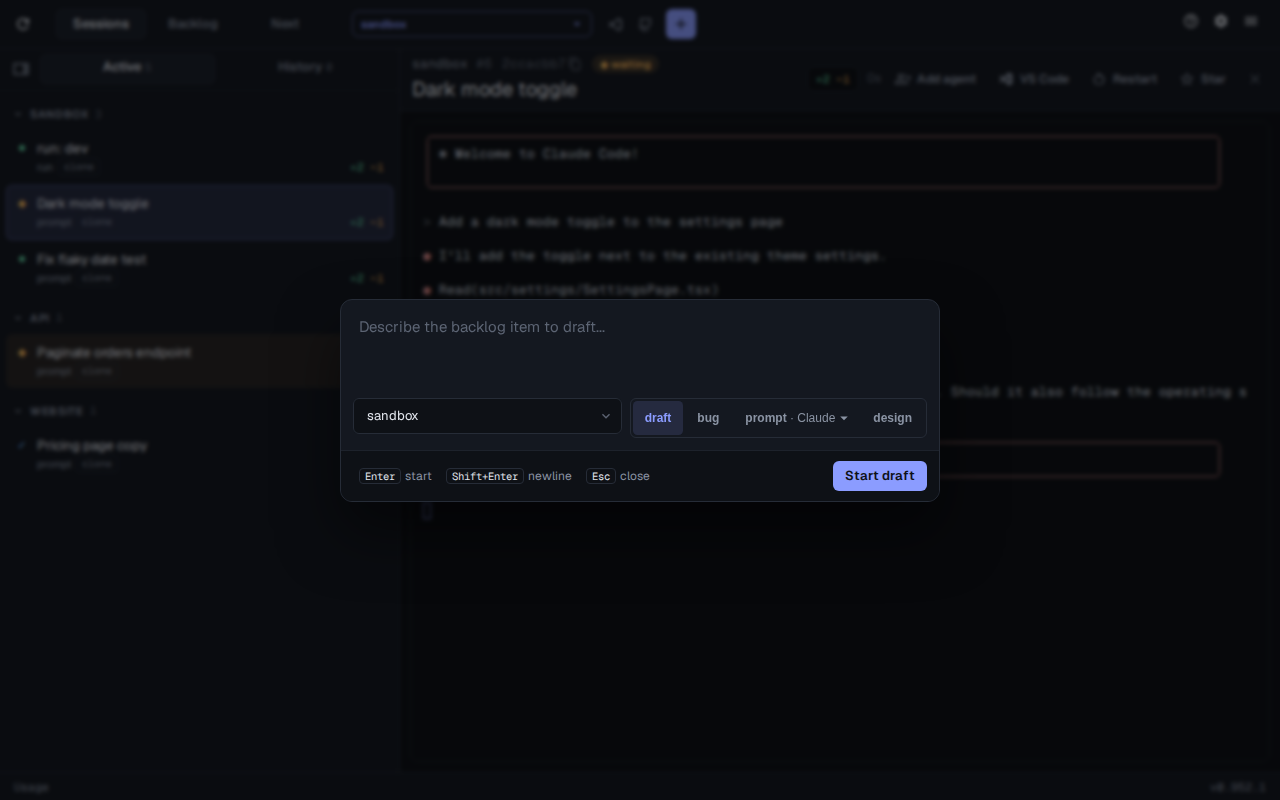
Section titled “The new-session dialog”The + button in the toolbar, ⌘CtrlN or ⌥AltN opens the new-session dialog. Type what you want, pick the repo and a mode, and press Enter (⇧ShiftEnter adds a newline, Esc closes).
| Mode | Starts |
|---|---|
| draft | Claude drafts a backlog item from your description, asking questions as it goes |
| bug | Claude files a bug with reproduction steps, expected and actual behaviour |
| prompt | A plain agent session with your text as its first prompt. When Codex or pi is available, a menu on this mode picks the harness |
| design | An interactive Claude session with assist’s design system prompt appended |
Draft and bug need a repo. When the repo isn’t cloned on the machine you picked, the button offers to clone it first.
The dialog opens in draft mode. To open it in another mode:
assist config set sessions.newSessionMode promptRun sessions
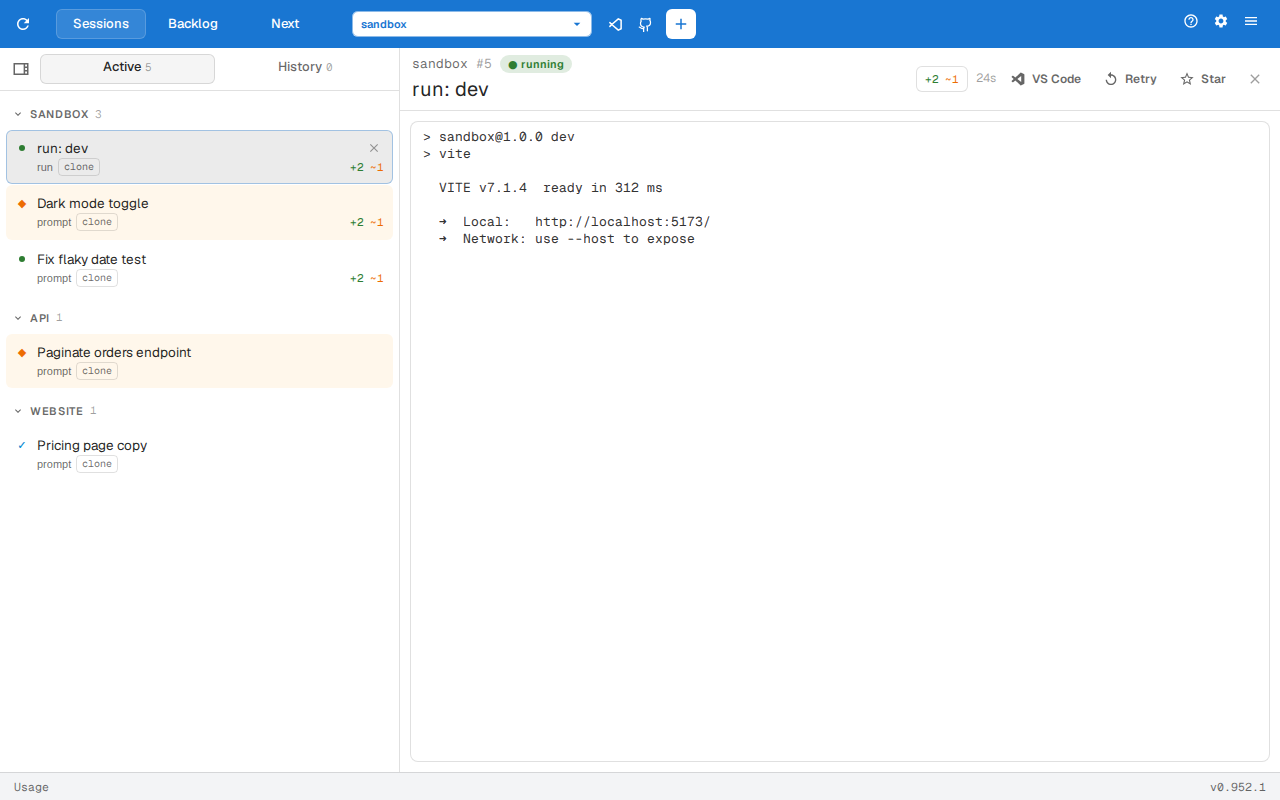
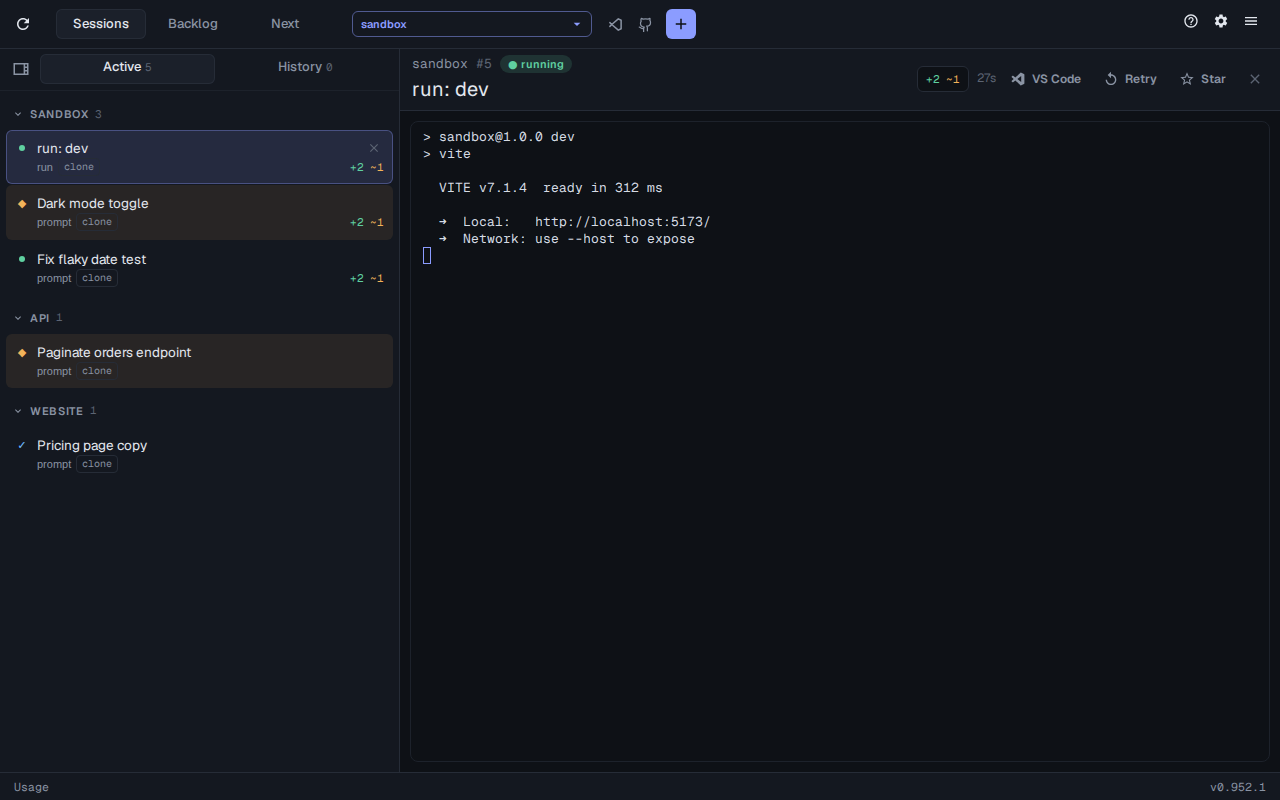
Section titled “Run sessions”A repo’s run commands can run as sessions too, so a dev server’s output sits next to the agents using it. When the repo has run commands, the toolbar’s run menu starts them.
A run command flagged server: is a dev server, and only one may be live per server group across a repo’s clone and worktrees. Cards in that repo show a start button, the serving card shows serving :5173 and a stop button, and starting a second one offers to replace the first. Agents can read a run’s output with /run-logs (see Session commands).